

Bad Times Pet AI Video: Any Pet, One Photo
A failed render costs you nothing.
Add a photo, pick a length, then press Generate.
Bad Times pet videos
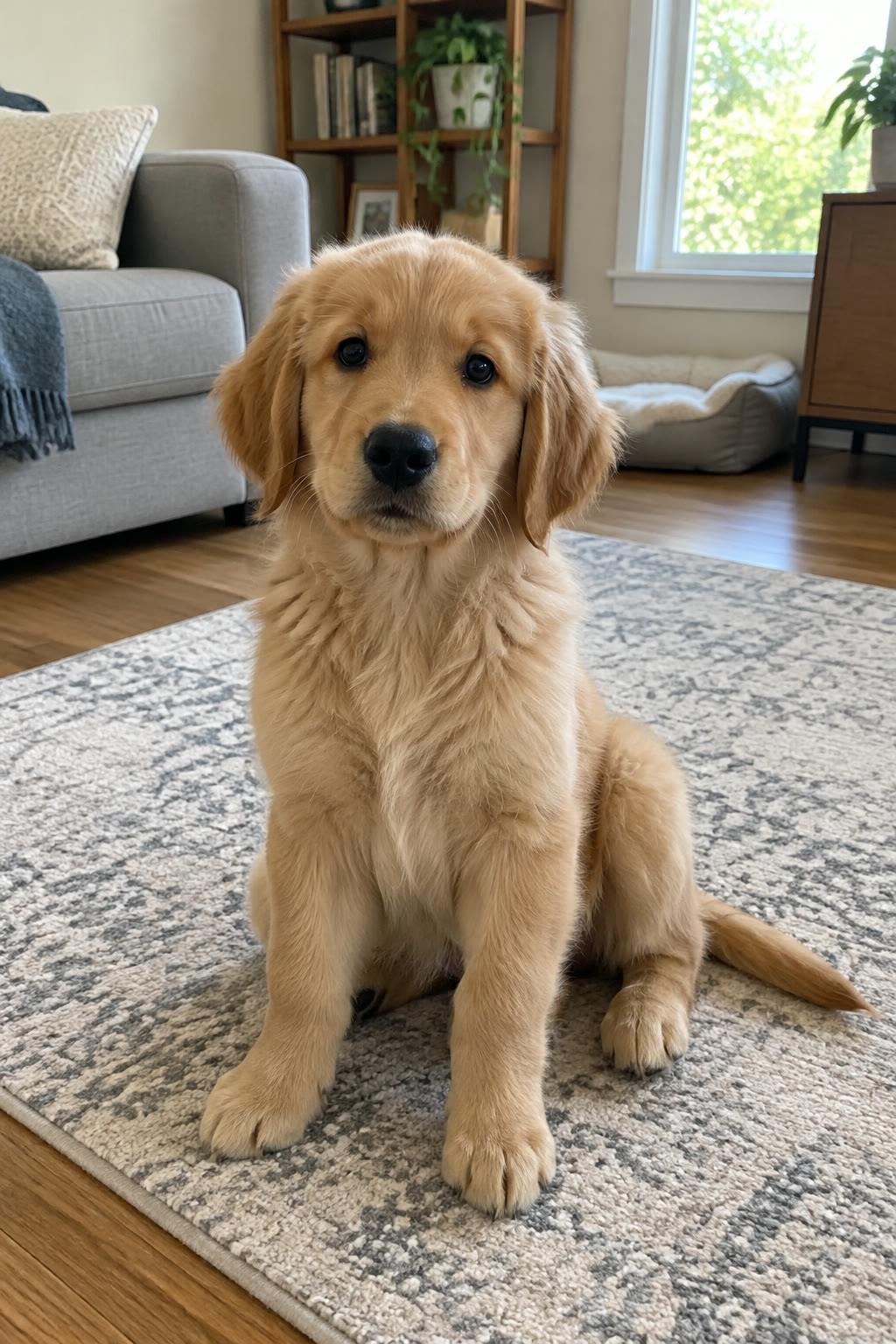
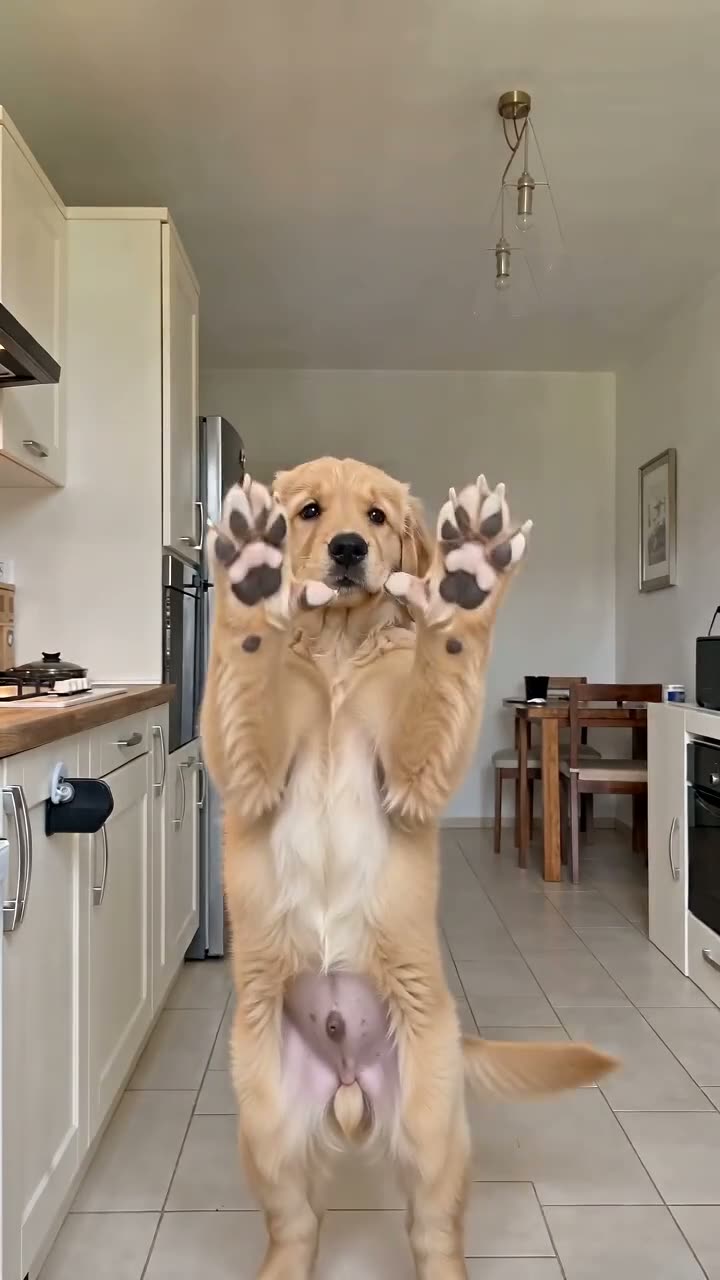
Golden retriever puppy
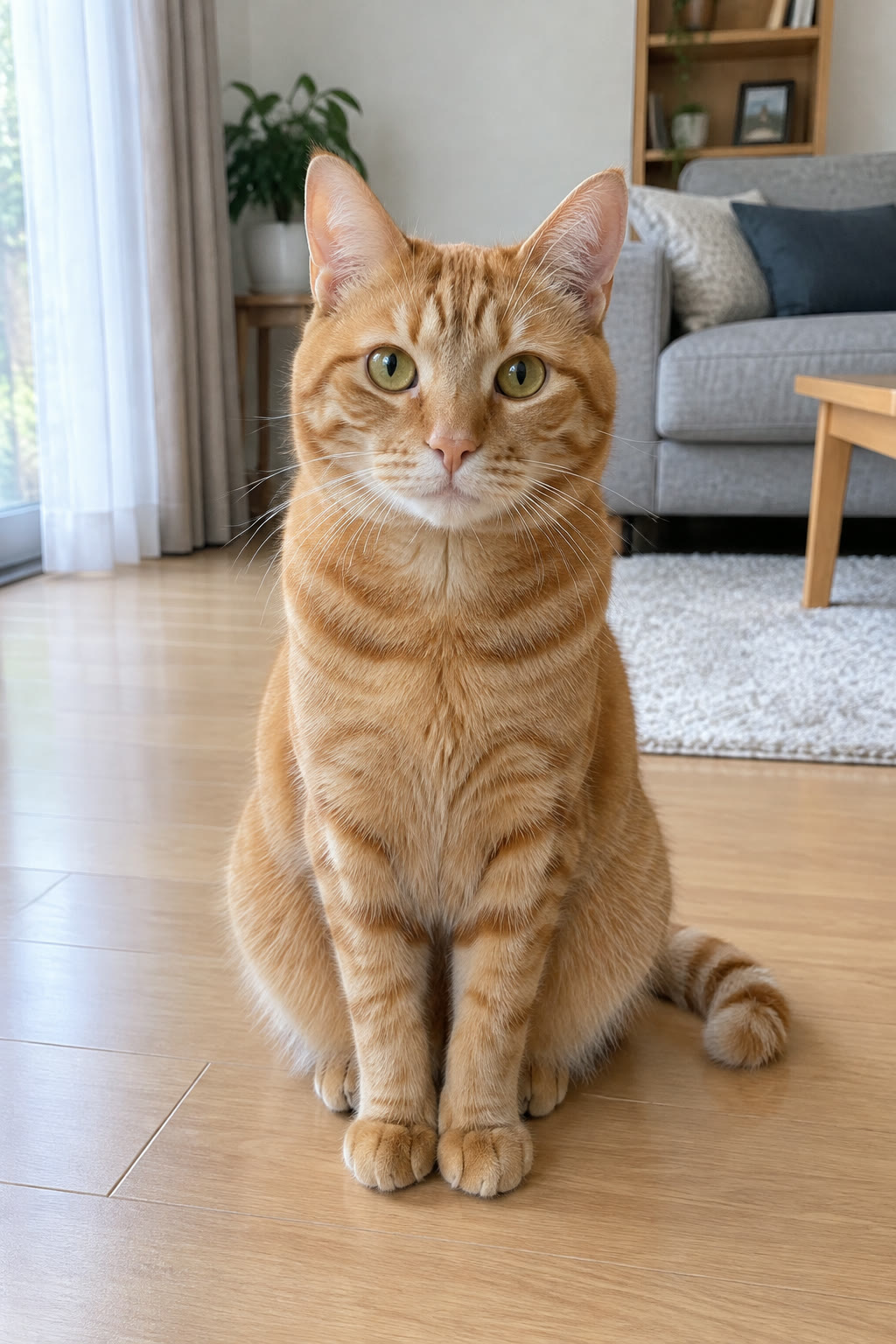
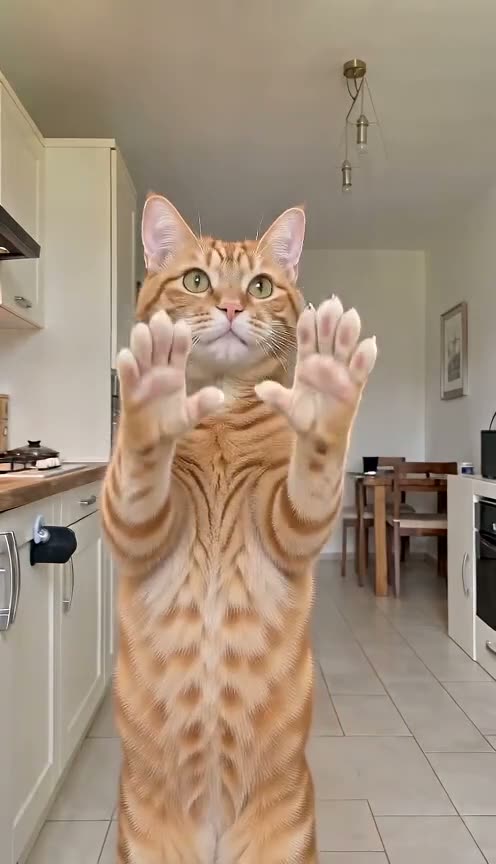
Orange tabby cat
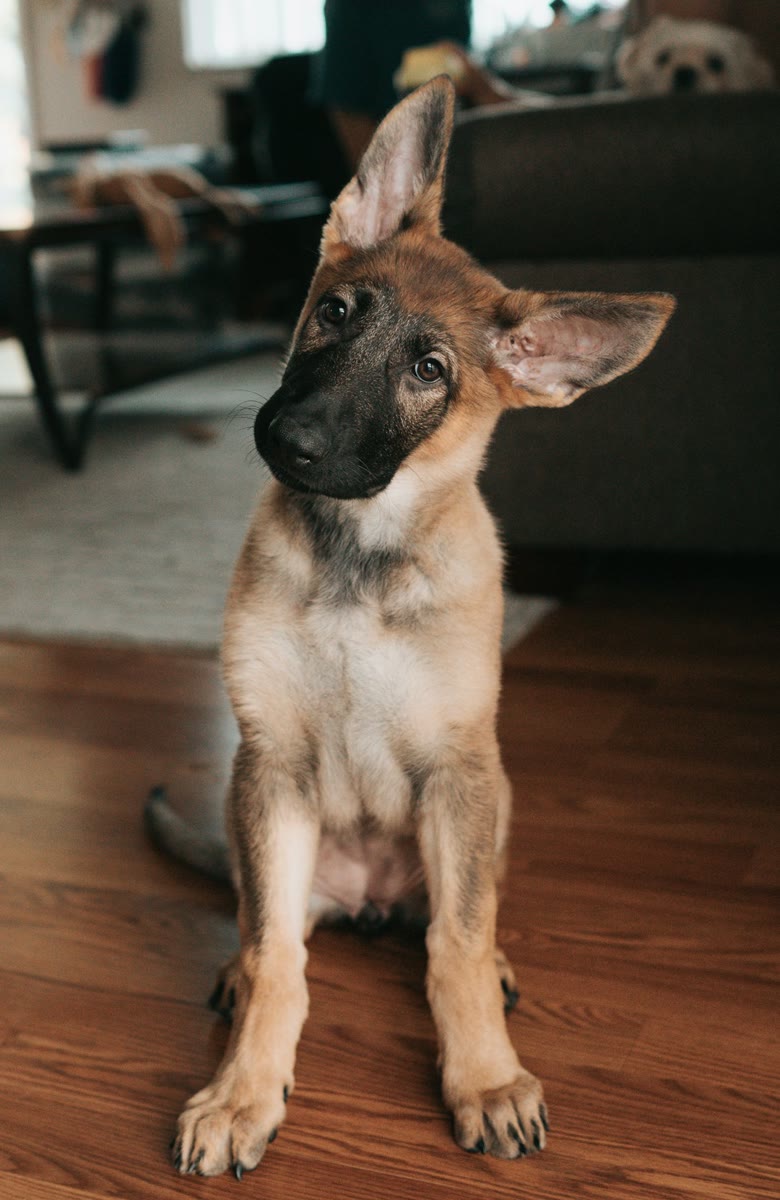
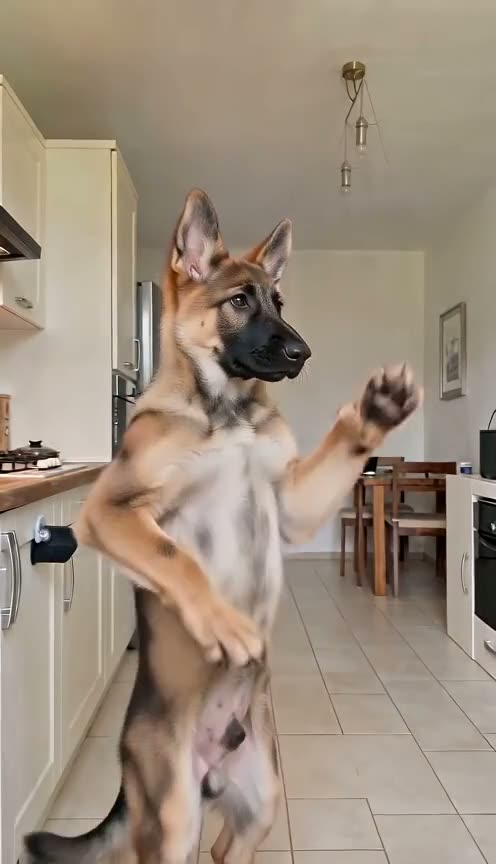
German shepherd puppy
Husky
How the Bad Times pet template works
The Bad Times pet template starts from a real clip of a dog performing the whole routine. Bad Times AI replaces that dog with the animal in your photo, which then repeats each move in the dog's timing while the song plays. The room, camera moves and timing belong to the template clip; your photo supplies the look of your pet, from fur and markings to ears and face.
A dog's performance underneath
Because the driving clip shows a dog rather than a person, the paws stay paws in our tests. Many AI versions built on a human performer give pets human fingers the moment they show their open palms.
Your photo sets the look
Species, coat and face come from your picture, so one sharp, well-lit, full-body shot matters more than any setting.
Which animals suit a Bad Times pet video
The routine was performed by a dog, so the closer your pet's body is to a dog's, the more clearly each move reads. From the safest choice to the least predictable:
Dogs: the performer's own shape
A dog matches the template almost exactly, so a husky or German shepherd, both common in the trend's early AI versions, is the most reliable start. Breed and pose advice is on the Bad Times dog page.
Cats and other four-legged pets
Cats, rabbits, guinea pigs and ferrets stand on four legs and have front paws to raise, so the head grab and the "hold on" gesture still have something to land on. Tabby cats were among the first versions to spread; the Bad Times cat guide covers cat photos.
Birds and very small pets
A parrot has wings where a dog has front paws, and a hamster is a tiny fraction of a dog's size, so the AI has to fit a dog's movements onto a very different body. Results vary more between renders, so start with a short clip.
Four steps to a Bad Times pet video
No editing and no prompt: the clip, moves and song are already in the template. If the routine is new to you, the Bad Times trend page explains where it came from.
Photo tips
Best photo for a Bad Times pet video
Any pet works with the same three rules: one animal, whole body, good light.
Works best
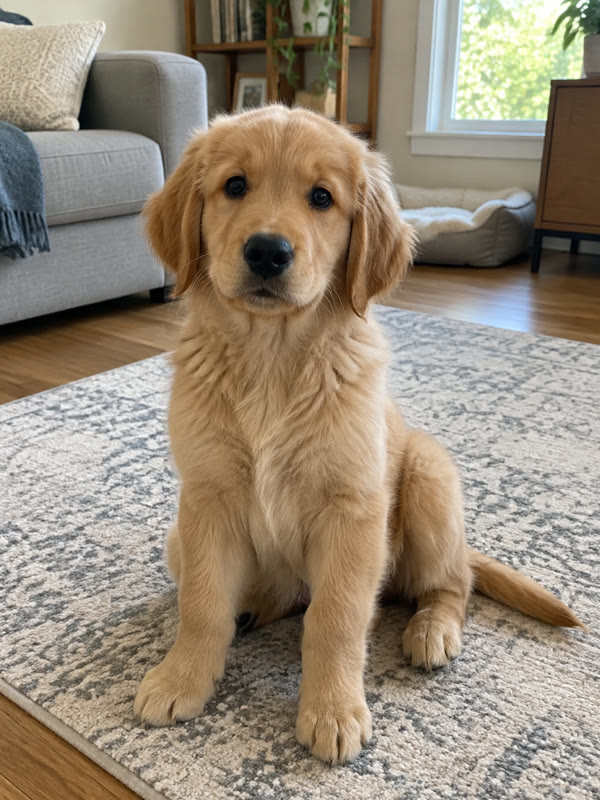
Whole dog, facing you
Dogs: legs and tail in frame.
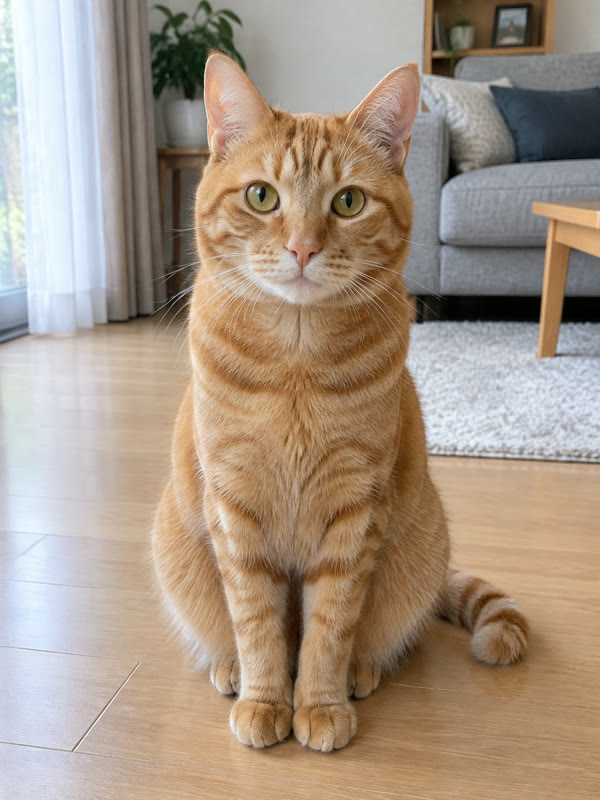
Whole cat, good light
Cats: sitting upright, fur in daylight.
Avoid
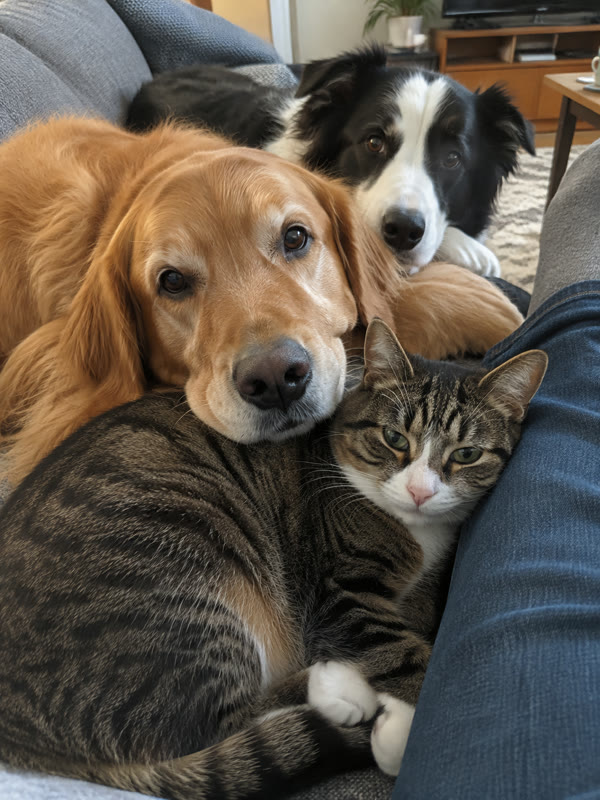
Several animals
Several pets confuse the swap.
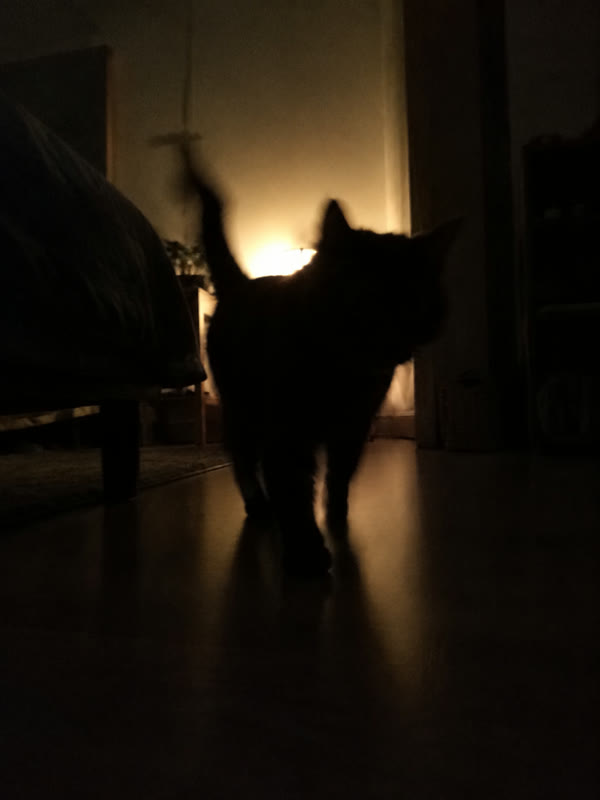
Dark or backlit
Backlight hides the markings.
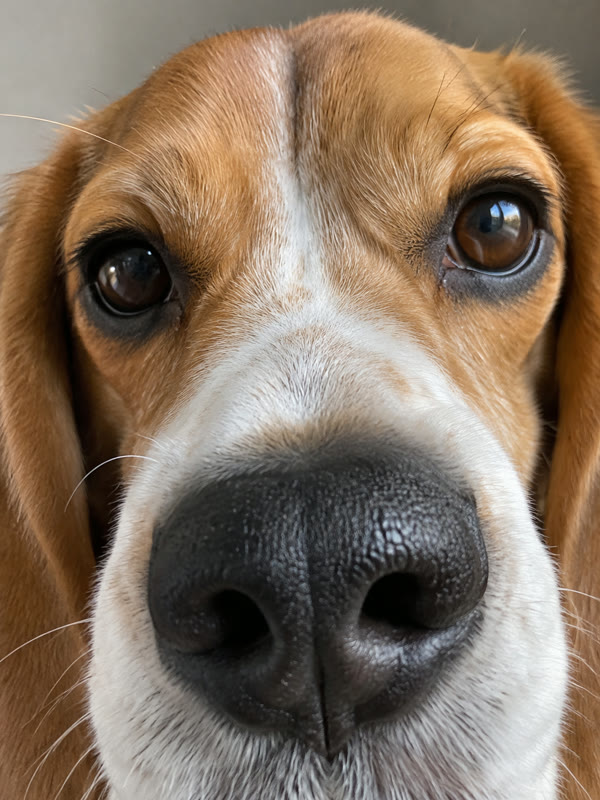
Face only
No body, no routine.

Hidden under things
Covered paws get guessed.
Bad Times pet photo tips: rabbit, parrot, hamster and more
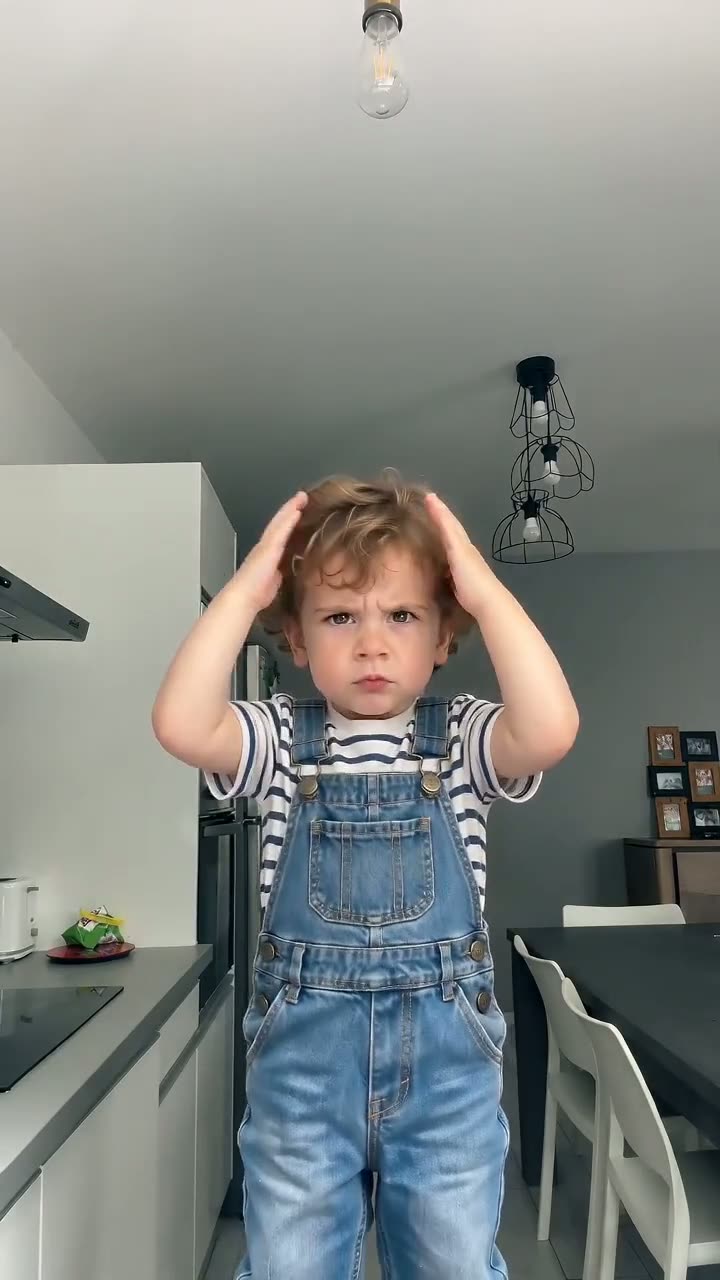
If the star you have in mind is a child rather than an animal, switch to the Baby template; the Bad Times baby page explains which photos work and who may upload them.
Rabbit
Upright ears and a compact body read well. Choose a shot where the rabbit sits up or stands with all four legs visible, not a loaf-shaped close-up that hides the paws.
Parrot
With wings instead of front paws, the hands-on-head and palm-on-the-lens beats have no obvious match. Use a sharp photo of the whole bird with both feet visible, and judge a 5-second clip first.
Hamster
The smallest pets give the AI the fewest pixels to read. Photograph it close, on a plain surface, whole body in frame, and keep the first try to 5 seconds.
Bad Times pet FAQ
What is a Bad Times pet video?
It is an AI version of the Bad Times trend with an animal in the lead. French creator Bouuh Yachaka posted her kitchen argument with the camera on 9 September 2026 and it passed 18 million views; from late September people remade it with huskies and tabby cats. A Bad Times pet video does the same with any animal you upload, set to Imael Angel's song.
Can I make a Bad Times pet video with a rabbit or hamster?
Yes. Rabbits fit well because they are four-legged with front paws to raise. Hamsters work too but are less predictable, since their small body is far from the dog the template follows. Use a sharp, full-body photo in which the animal fills the frame, and try 5 seconds first.
Does it work with a parrot or other bird?
You can upload one, but birds are the least predictable case. The routine is driven by a dog with front paws and a bird has wings, so several gestures have no clear match and results differ between renders. Make a short clip first, from a photo of the whole bird.
Will my pet grow human hands?
That is the most common flaw in AI pet versions of this trend, usually because they start from a human performer. The Pet template here is driven by a dog's performance, so in our tests the paws stay paws. It holds best for four-legged animals and is not a guarantee for every photo or every species.
Will the video show my pet in my own home?
No. The scene, the camera moves and the timing come from the template clip, not from your photo. Your picture decides how the animal looks: species, fur, markings and face. A messy background in your photo does no harm as long as the pet itself is clear.
How long does a render take?
A 5-second clip usually takes about 2 to 4 minutes; the 15- and 30-second videos take longer. You download the finished MP4 straight from the page, so you can start a render on a laptop, keep the tab open and post the file once it lands.
How much does a Bad Times pet video cost?
The price depends on the length and quality level you choose, and the current plans are listed on Bad Times AI Video pricing. A render that fails or gets filtered is never charged, so a failed experiment with an unusual pet costs nothing but the time to try another photo.
Is Bad Times AI Video connected to Imael Angel or TikTok?
No. Bad Times AI Video is an independent fan-made tool, not affiliated with Imael Angel, Bouuh Yachaka or TikTok. It recreates the well-known routine with the animal from your photo. When you post, label the video as AI-generated wherever the platform asks.
Which pet starts the argument?
Find one sharp, full-body photo, pick the Pet template and your Bad Times pet video is a few minutes away. Four-legged pets are the safe bet; for a bird or a hamster, start with 5 seconds.