

Bad Times CapCut Template or a One-Photo AI Video?
A failed render costs you nothing.
Add a photo, pick a length, then press Generate.
Finished Bad Times videos, no editing
The original routine
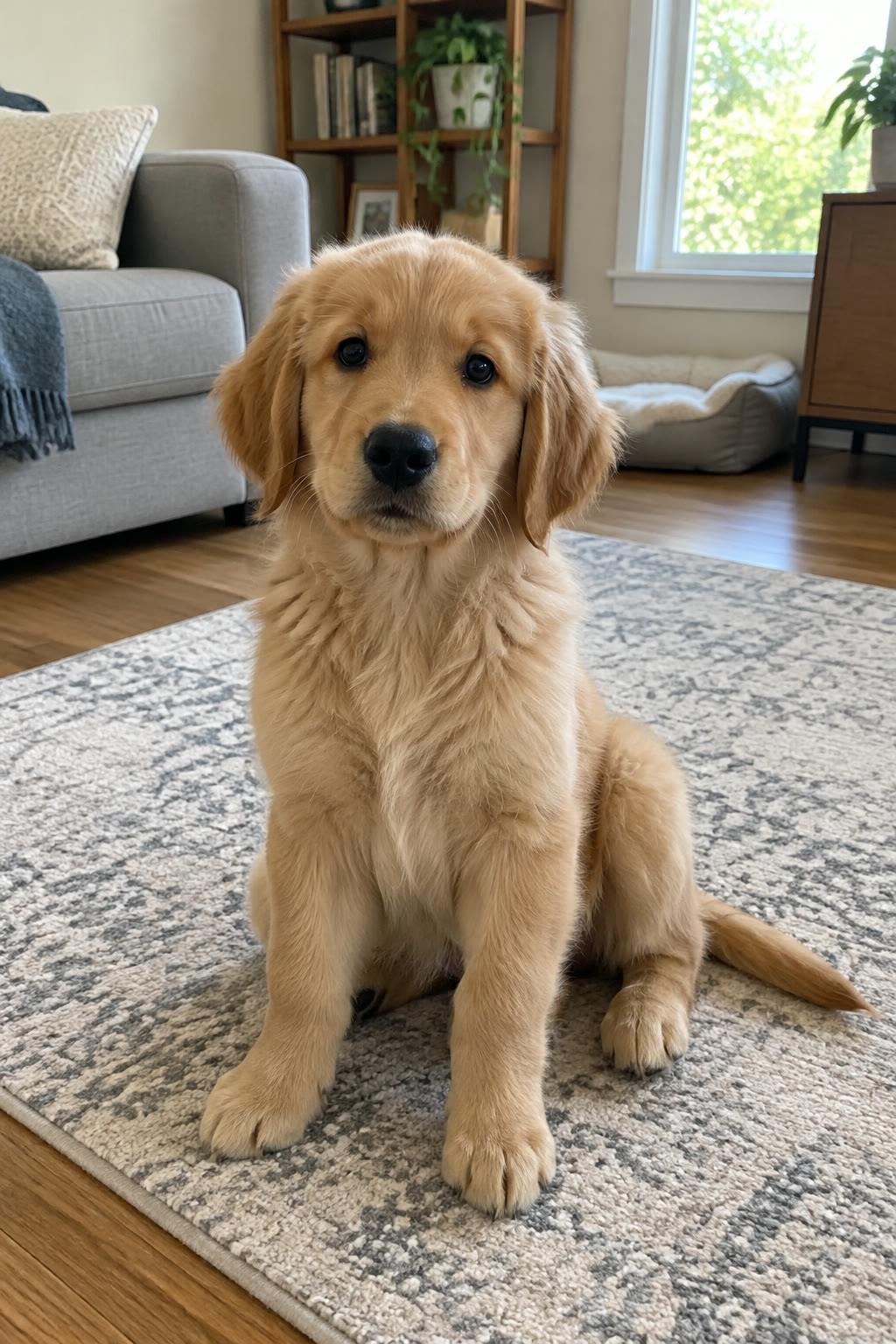
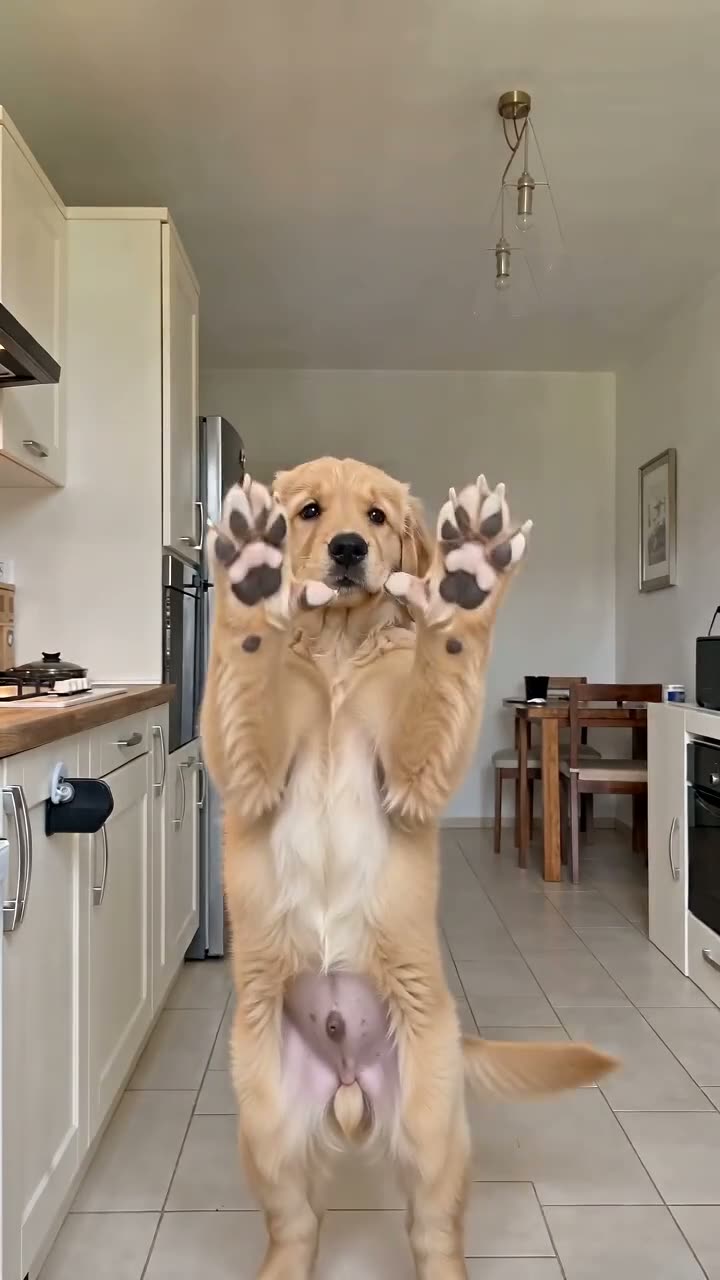
Golden retriever puppy
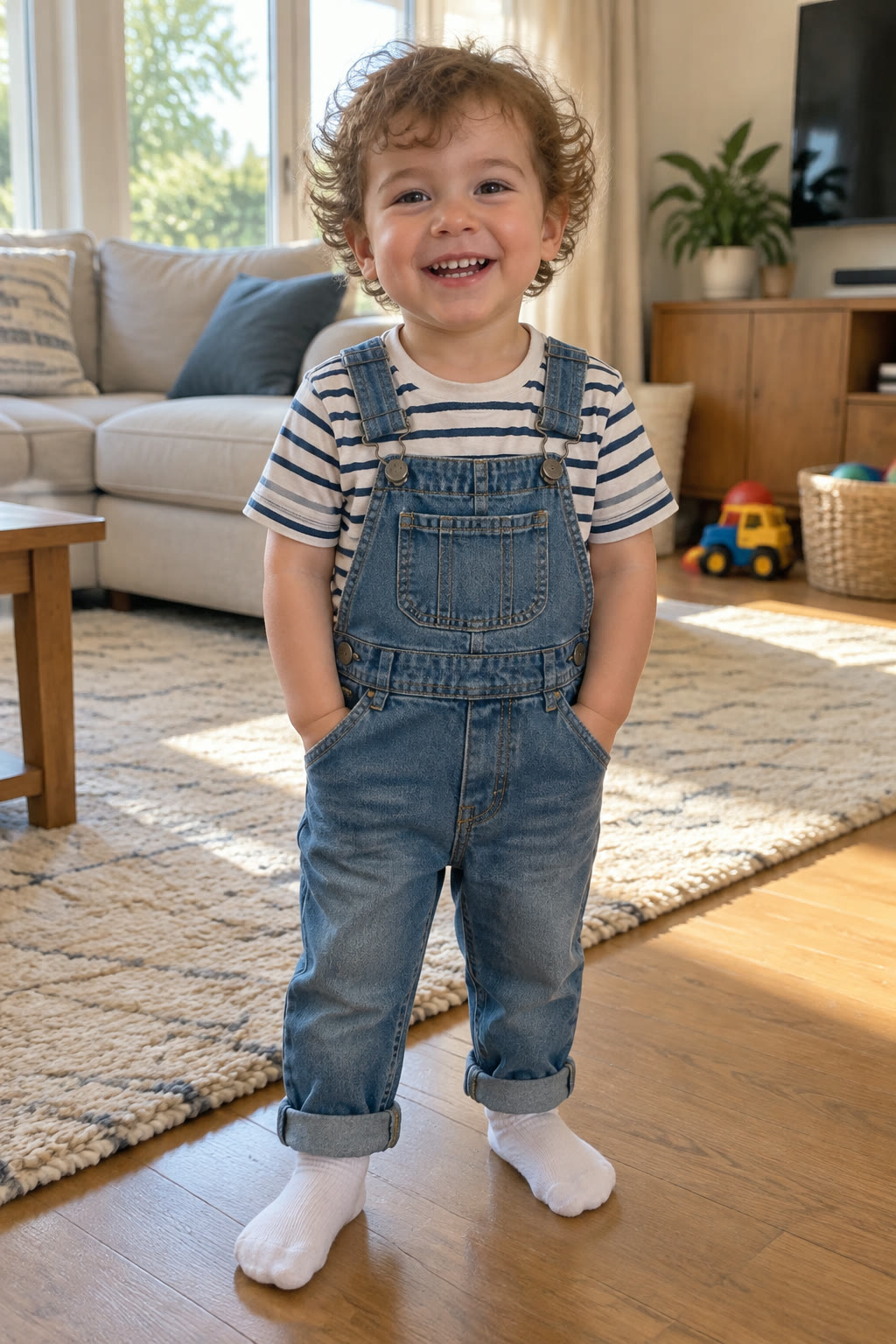
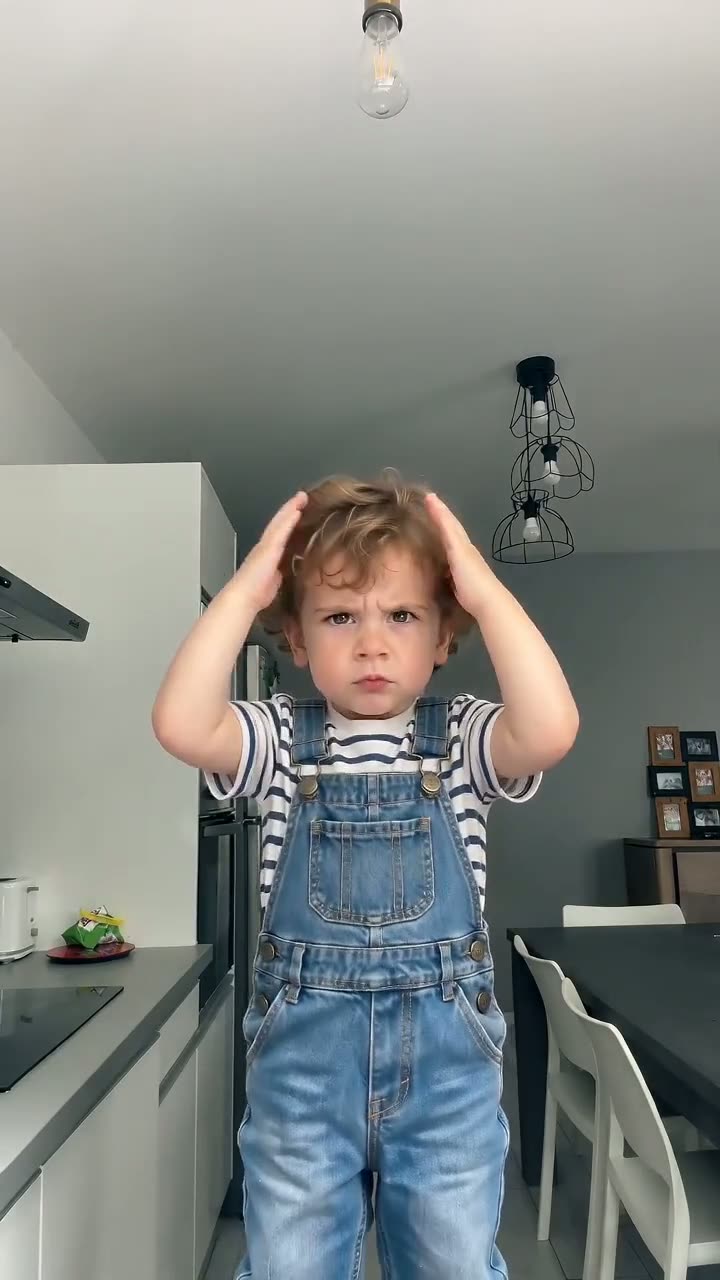
Curly-haired toddler
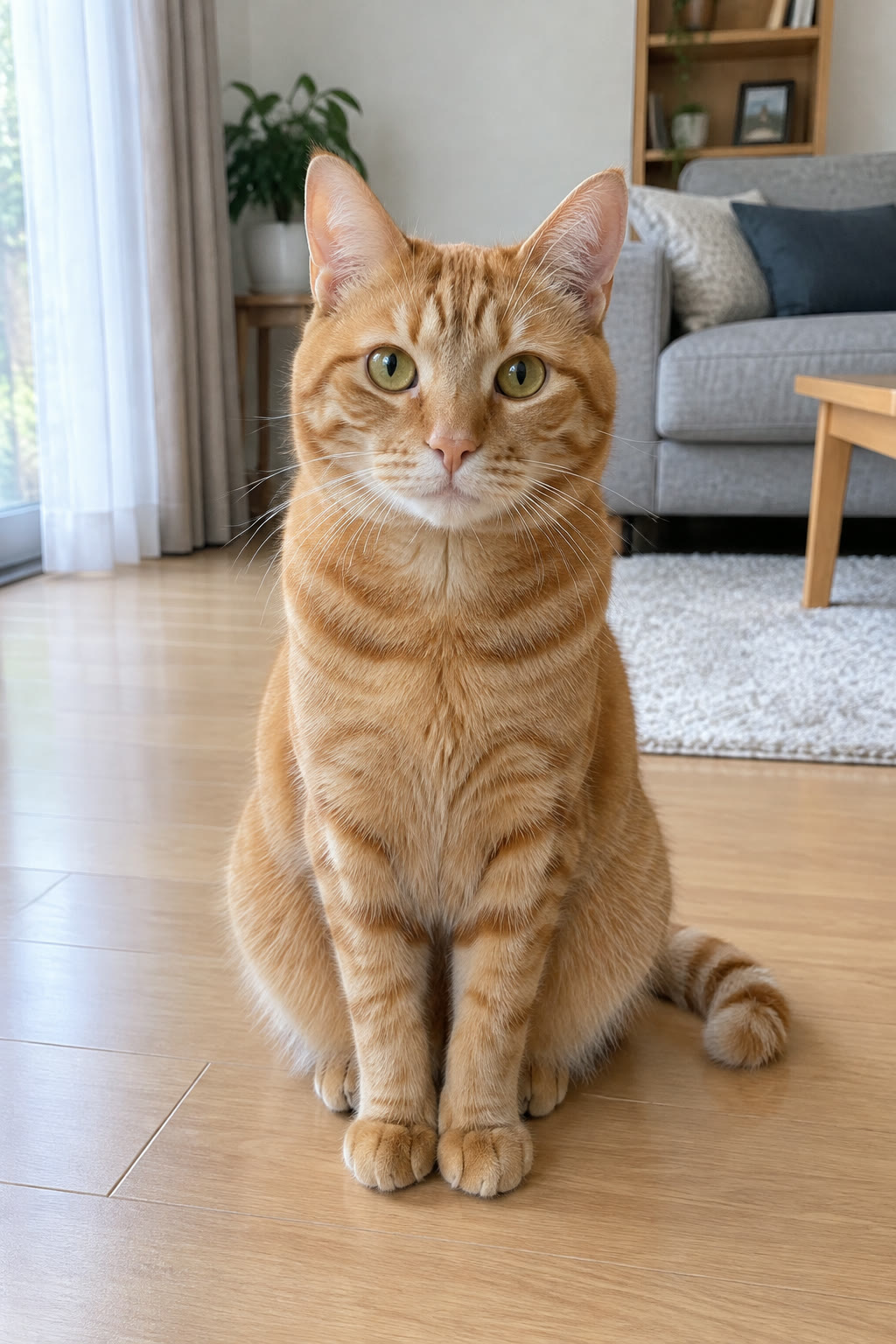
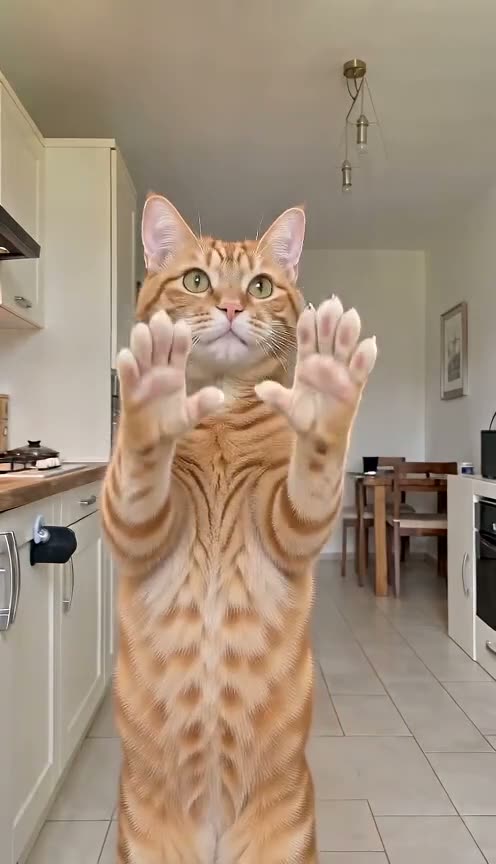
Orange tabby cat
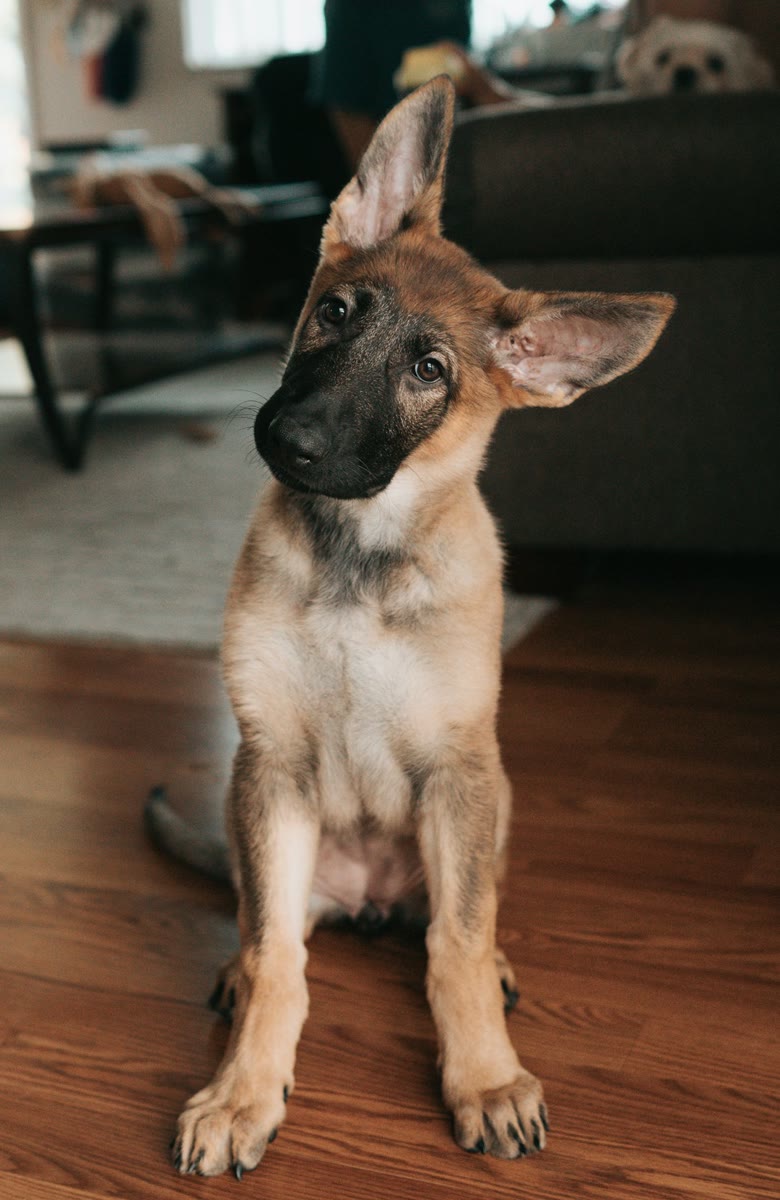
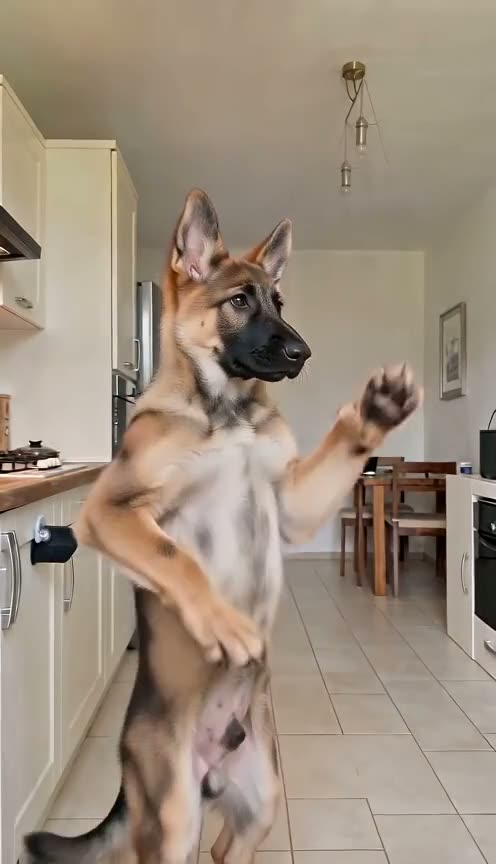
German shepherd puppy
Husky
What a Bad Times CapCut template is
A Bad Times CapCut template is a ready-made edit of the trend that you open and finish inside the CapCut app. Template creators build these versions, and they usually run about 15 seconds, roughly half the length of most viral AI versions. A Bad Times AI video works another way: the AI edits a full performance clip so the subject of your photo repeats the routine move for move.
Built by template creators
Each CapCut template comes from an individual creator, so how it looks and what it does with your media depends on who built it. For the story of the song and the kitchen argument behind it, read the Bad Times trend guide.
About 15 seconds long
The template versions of the trend sit at about 15 seconds. Most viral AI versions run about 30 seconds, which leaves room for the second charge at the camera, the arms thrown wide and the final face close-up at the lens.
Bad Times CapCut template or AI video: which to pick
Both routes end in a vertical clip for your feed. They differ in who you can cast, how long the clip runs and where you do the work. Casting your dog? The Bad Times dog page covers which photo to use.
A Bad Times CapCut template for a quick 15-second post
If CapCut is already your editor and a 15-second version is enough, a template from a creator whose preview you like is a fast option.
The AI route to cast your own pet, baby or yourself
When you want your own husky, tabby or toddler doing the routine, the AI video needs only one photo of them and runs up to 30 seconds.
Try the free clip first
New accounts get 20 credits, enough for one 5-second Lite clip, so you can see your own photo in the routine before choosing.
Make it from one photo in four steps
There is no template search and no editing timeline; everything runs in a phone or desktop browser. Making one of a baby or toddler? Start with the Bad Times baby guide, and only use photos of a child you are the parent or guardian of.
Bad Times CapCut template vs AI video, point by point
Four differences worth checking before you choose. Questions about trying it without paying are answered on the Bad Times AI free page.
Who performs the routine
What a Bad Times CapCut template shows depends on how its creator set it up. Here the AI replaces the performer in the clip with the subject of your photo, who then does the hands on head, the "hold on" hands, the turn and the lunge.
Paws that stay paws
A common slip in AI versions of the trend is a pet growing human fingers when it shows its open "palms". Our Pet template is driven by a dog's performance, so the paws stayed paws in our tests, though no render is perfect.
The song in every file
Every video here plays with "Bad Times" by Imael Angel, so there is no track to add. With a CapCut template, its preview shows what sound the creator used.
Bad Times CapCut template and Bad Times AI Video compared
Every Bad Times CapCut template depends on the creator who made it, so preview the one you pick. Plans for this side are on Bad Times AI Video pricing.
| Bad Times AI Videoone photo, AI edit | CapCut templatemade by template creators | |
|---|---|---|
| Length | 5, 15 or 30 seconds | About 15 seconds |
| Who you can cast | A pet, a baby or a person from your photo | Set by the template creator |
| Templates to pick from | Pet, Baby, Original, Halloween | Whatever creators publish |
| The song | In every video | Check the template preview |
| Output | Vertical 9:16 MP4 | Set by the template |
| App needed | CapCut | |
| Failed or filtered render | Never charged | Not applicable |
Bad Times CapCut questions
Where do I find a Bad Times CapCut template?
Look inside CapCut itself, since template creators publish their versions there; searching the trend's name is the usual start. Each creator builds their own edit, so previews differ from one to the next. If you would rather cast your own pet, baby or yourself from a single photo, Bad Times AI Video does that in the browser instead.
How long is a Bad Times CapCut template?
About 15 seconds. That is the typical length of the template versions of the trend, while most viral AI versions run about 30 seconds. On Bad Times AI Video you pick 5, 15 or 30 seconds, and the 30-second video, the full first half of the routine, is made at the Ultra level.
Can I put my dog or cat in the trend without CapCut?
Yes. Pick the Pet template, upload one full-body photo of your dog, cat or other pet, and choose 5, 15 or 30 seconds. Because the clip behind it is a dog performing the routine, paws stay paws in our tests, and the MP4 comes with the song.
Can I edit the AI video in CapCut afterwards?
Yes. The download is a standard vertical 9:16 MP4, so it opens in CapCut or any other editor. That makes the two routes easy to combine: make the routine here with your own pet, baby or face, then add captions, stickers or a trim in CapCut before you post.
Will the video show my own room?
No. The scene, the camera moves and the timing all come from the template clip, and your photo only supplies the look of the subject: the breed, fur and markings of a pet, or a face. The Original template, for example, keeps the trend's original kitchen around the person in your photo.
Is this an official Bad Times CapCut template?
No. Bad Times AI Video is an independent fan-made tool, not affiliated with CapCut, Imael Angel, Bouuh Yachaka or TikTok. It is a separate website rather than a template inside the app, and it edits a performance clip of the trend with your photo.
Cast your own star in the Bad Times trend
Pick the template that fits, upload one clear photo and download the trend with your own star in it.