

Bad Times Baby AI Video: Your Toddler Argues
A failed render costs you nothing.

Add a photo, pick a length, then press Generate.
Bad Times baby and pet videos
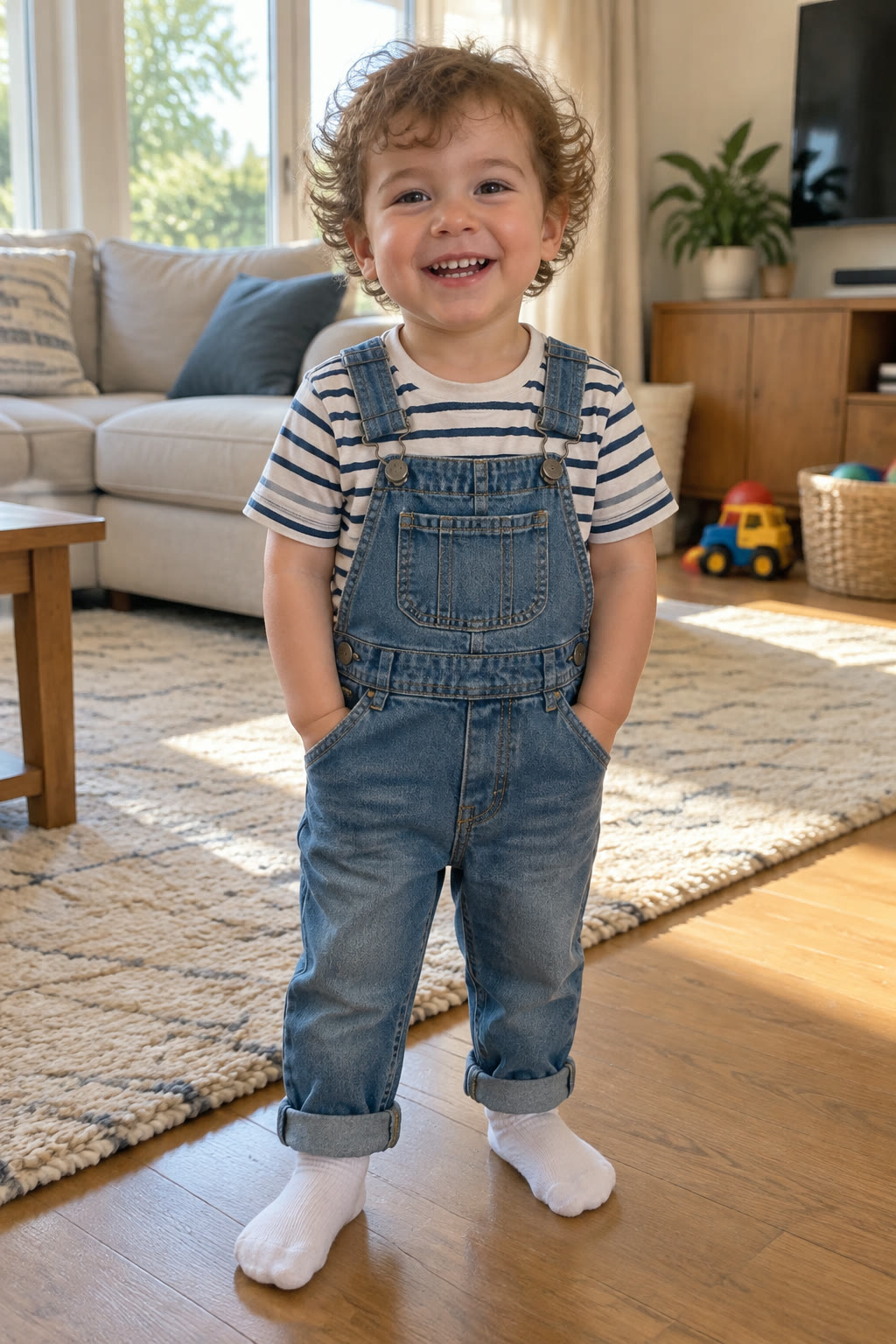
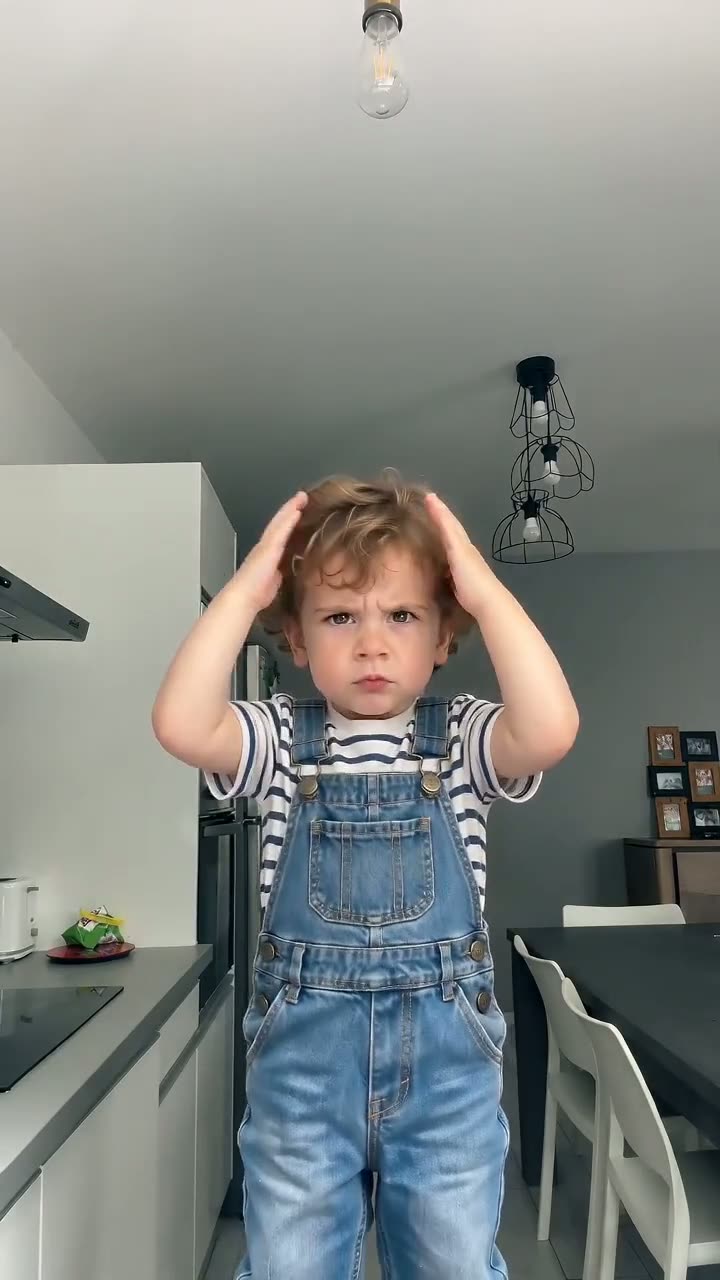
Curly-haired toddler
Golden retriever puppy
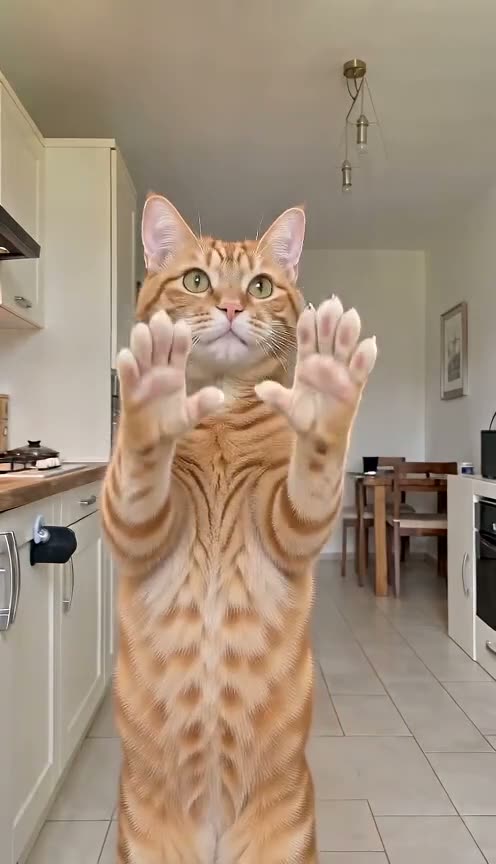
Orange tabby cat

The original routine
What a Bad Times baby video is
A Bad Times baby video is the AI take on the trend in which a baby or toddler performs Bouuh Yachaka's over-the-top kitchen argument, move for move. The Bad Times AI video generator edits a performance clip of the routine, replaces the performer with the child in your photo and sets the result to "Bad Times" by Imael Angel. Babies joined the AI wave in late September 2026, next to pets and friends: someone who cannot talk yet, lecturing the camera, needs no explaining.
The scene comes from the clip
The room, the camera moves and the timing all belong to the Baby template clip, so the background will not be your home. Your photo decides who performs.
Your photo gives the look
Face, hair and overall appearance are taken from the picture you upload, which is why a sharp, well-lit shot matters more than a cute pose.
The whole routine, not a face swap
Your child replaces the performer completely and repeats every beat: hands on head, the "hold on" hands, the turn and the lunge at the camera.
The original song
Every video plays "Bad Times" by Imael Angel, the track released on 30 March 2026 that the trend is built on, so there is no sound to add before posting.
Where the laughs land in a Bad Times baby clip
The beats below follow the 30-second cut, so you can pick the length around your favourite moment. For a four-legged version, the Bad Times dog video uses the Pet template, where paws stay paws.
0 to 9.5 seconds: head in hands, then "hold on"
Your baby clutches their head, turns both palms up at about 1.5 seconds, puts a hand on the hip, then pushes both palms toward the lens. On a toddler it looks like a very serious negotiation about bedtime.
11 to 19 seconds: the finger jab and the lunge
Your child points at the camera, jabs a finger and lunges in, with a palm landing on the lens around 14 to 15 seconds. The 15-second version runs through the turn and this first lunge.
19 to 29 seconds: the second charge and the close-up
After backing off, your little one charges again, throws both arms wide at 25 to 27 seconds and ends with a face close-up at the lens. Only the 30-second video, made at the Ultra level, reaches this ending.
How to make a Bad Times baby video in four steps
No editing app, no prompt and nothing to install: it runs in any phone or desktop browser. A Bad Times CapCut template gives about 15 seconds built by a template creator; here the video can run to 30 seconds.
Photo tips
Best photo for a Bad Times baby video
One child, whole body, good light.
Works best
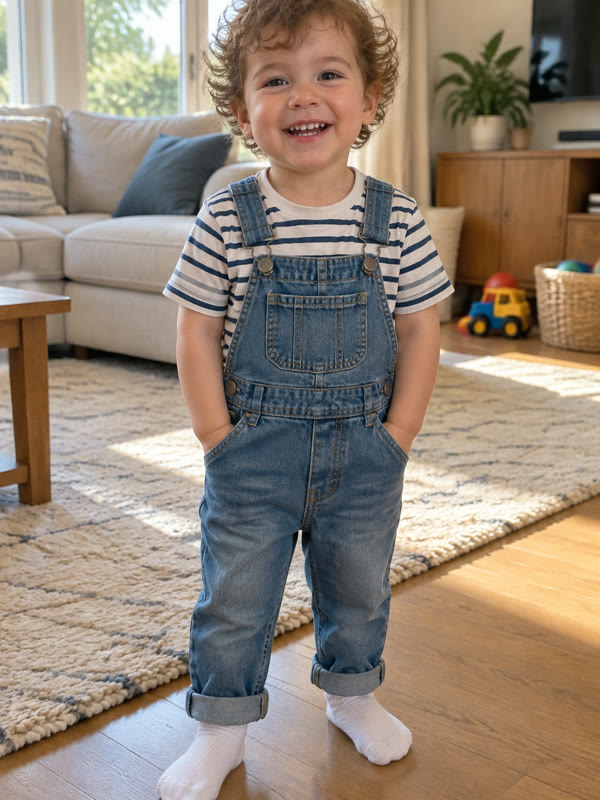
Standing, head to toe
A toddler on their feet gives the routine a body to move.
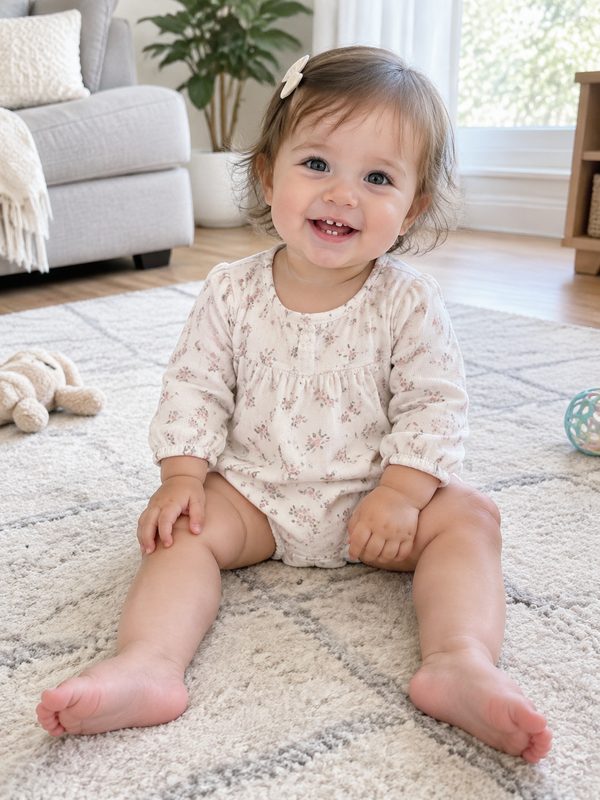
Sitting, whole body
For a younger baby, sitting up with legs in view works too.
Avoid
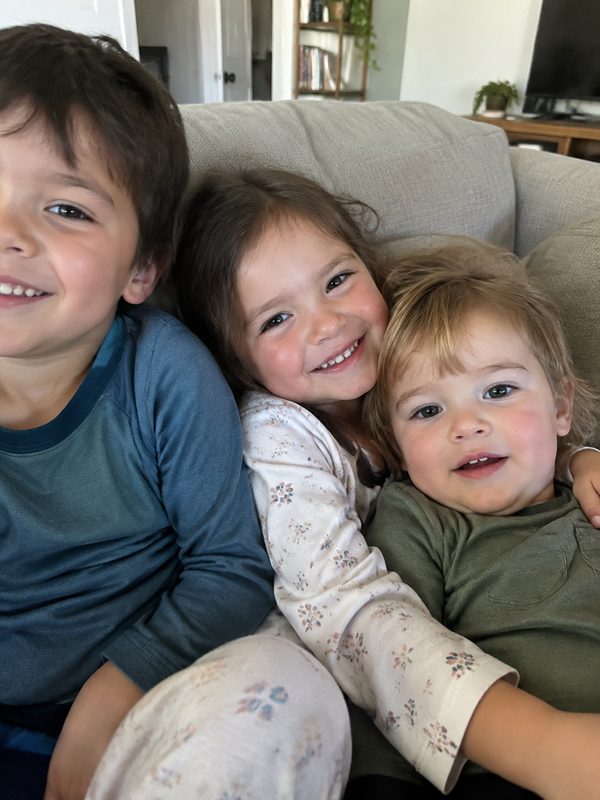
Several children
Siblings in one shot and the AI picks the wrong one.
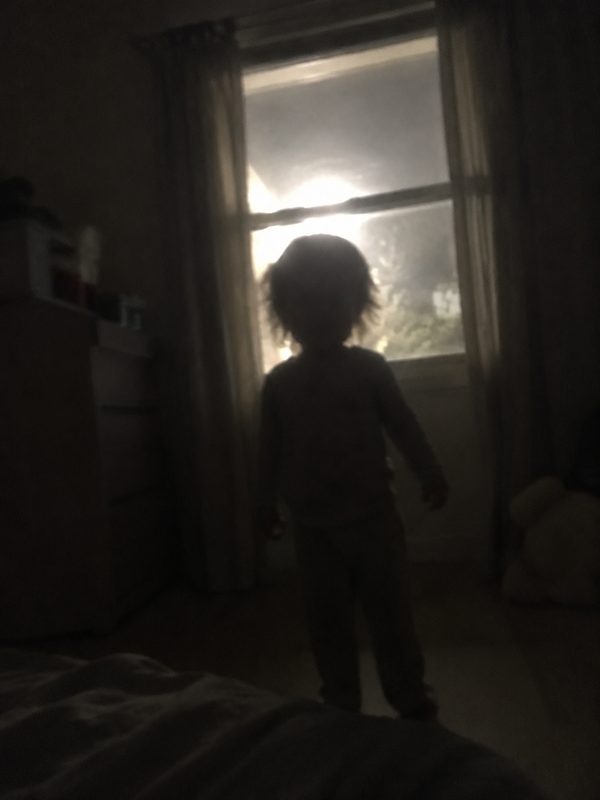
Dark or backlit
A silhouette hides the face the AI needs.
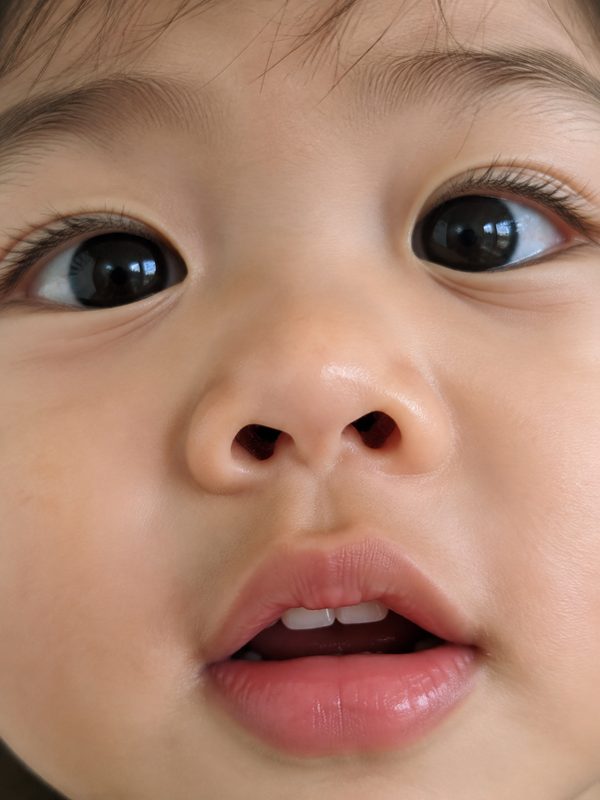
Face only
No body, no arms for the head grab.
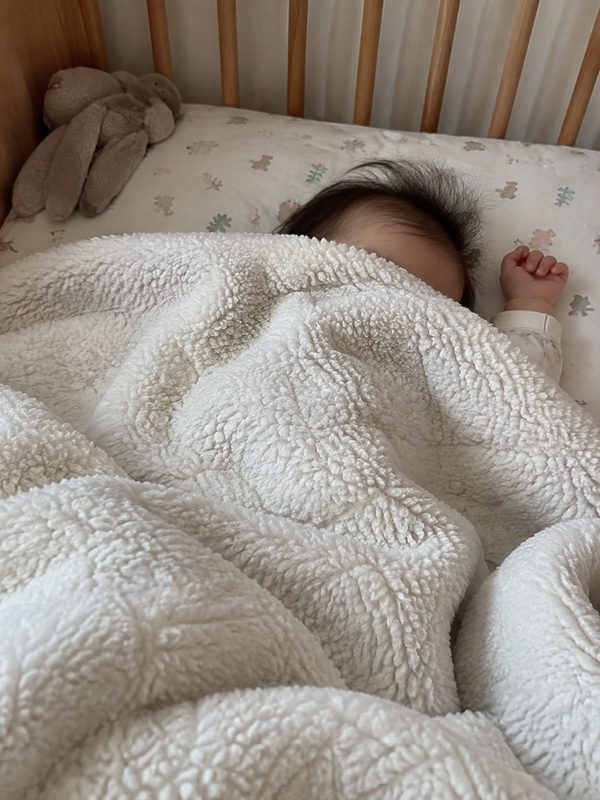
Under a blanket
A covered body leaves the pose to guesswork.
Bad Times baby photo tips for babies and toddlers
The picture decides how convincing the result looks. For caption and posting ideas once the clip is done, see the Bad Times meme guide.
Full body in the frame
A full-body photo works best, because the routine uses arms, hands and the whole body. A tight face crop gives the AI far less to work from.
Clear light on the face
Daylight near a window or an evenly lit room keeps features sharp. Dark, blurry or backlit shots make your child harder to recognise in the finished video.
One child, nobody else
Siblings side by side, a parent holding the baby or the dog in the corner all compete to be the performer. Crop the photo or pick a solo shot.
Bad Times baby questions
What is the Bad Times baby trend?
The Bad Times baby trend is the AI version of a TikTok trend in which a baby or toddler acts out Bouuh Yachaka's argument with the camera to Imael Angel's song. Her original kitchen video, posted on 9 September 2026 with the caption "Ça va barder!!", passed 18 million views. The full story is on the Bad Times trend page.
How do I make a Bad Times baby video?
Open the generator above, pick the Baby template and upload one full-body photo of your own child. Choose 5, 15 or 30 seconds and a quality level, press Generate, then download the vertical MP4 a few minutes later. The song is already part of the file.
Will the video show my own living room?
No. The room, camera moves and timing come from the Baby template clip, not from your photo. Your picture supplies how your child looks: face, hair and overall appearance. If you need your own home in the shot, this tool is not the right fit.
Can I use a photo of someone else's baby?
No. Upload only photos of your own child, as their parent or guardian, and never pictures of celebrities or public figures. If the system filters a photo, the render is not charged and the credits return to your balance, so you can try again with another picture of your own child.
How long does a Bad Times baby video take to render?
A 5-second clip usually takes about 2 to 4 minutes, and 15- or 30-second videos take longer. Start with 5 seconds if you want to check how your photo turns out before making a longer version at a higher level.
Which length is best for TikTok?
Thirty seconds, if you want the full first half of the routine: that is the length most viral AI versions use, and it is made at the Ultra level. Fifteen seconds stops after the turn and the first lunge, close to the length of CapCut template versions. Five seconds covers the head grab and the first "hold on", enough for a quick story.
How much does a video cost?
Current plans and prices are listed on Bad Times AI Video pricing; check them before you choose a length and quality level. A render that fails or is filtered is never charged: the credits go straight back to your balance, so you can try again with a better photo.
Is this affiliated with Imael Angel or TikTok?
No. Bad Times AI Video is an independent fan-made tool, not affiliated with Imael Angel, Bouuh Yachaka or TikTok. It recreates the routine with your child as the performer and the song that made the trend. When you post, mark the clip as AI-generated where the platform asks.
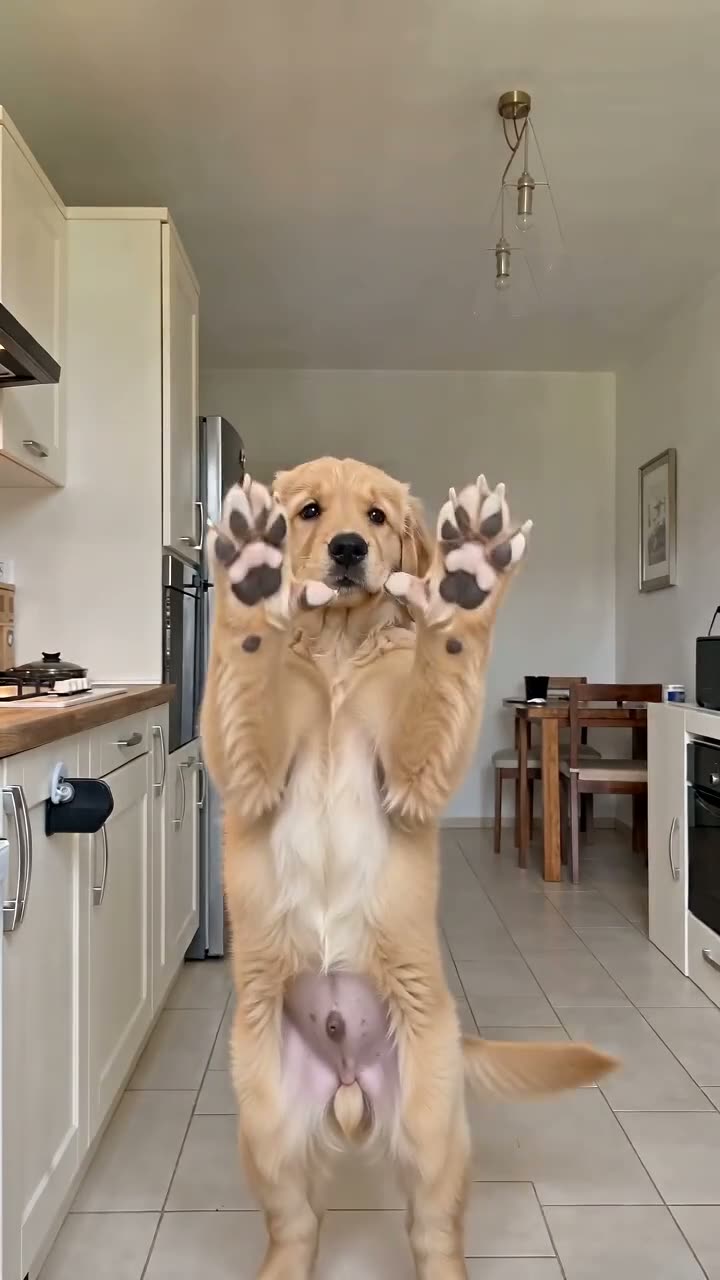
Ready for your Bad Times baby video?
Choose a full-body photo of your child, select the Baby template and pick a length. A few minutes later the argument is ready to post, song included.