

Bad Times Dog AI Video: Your Dog Argues Back
A failed render costs you nothing.
Add a photo, pick a length, then press Generate.
Bad Times dog videos from one photo
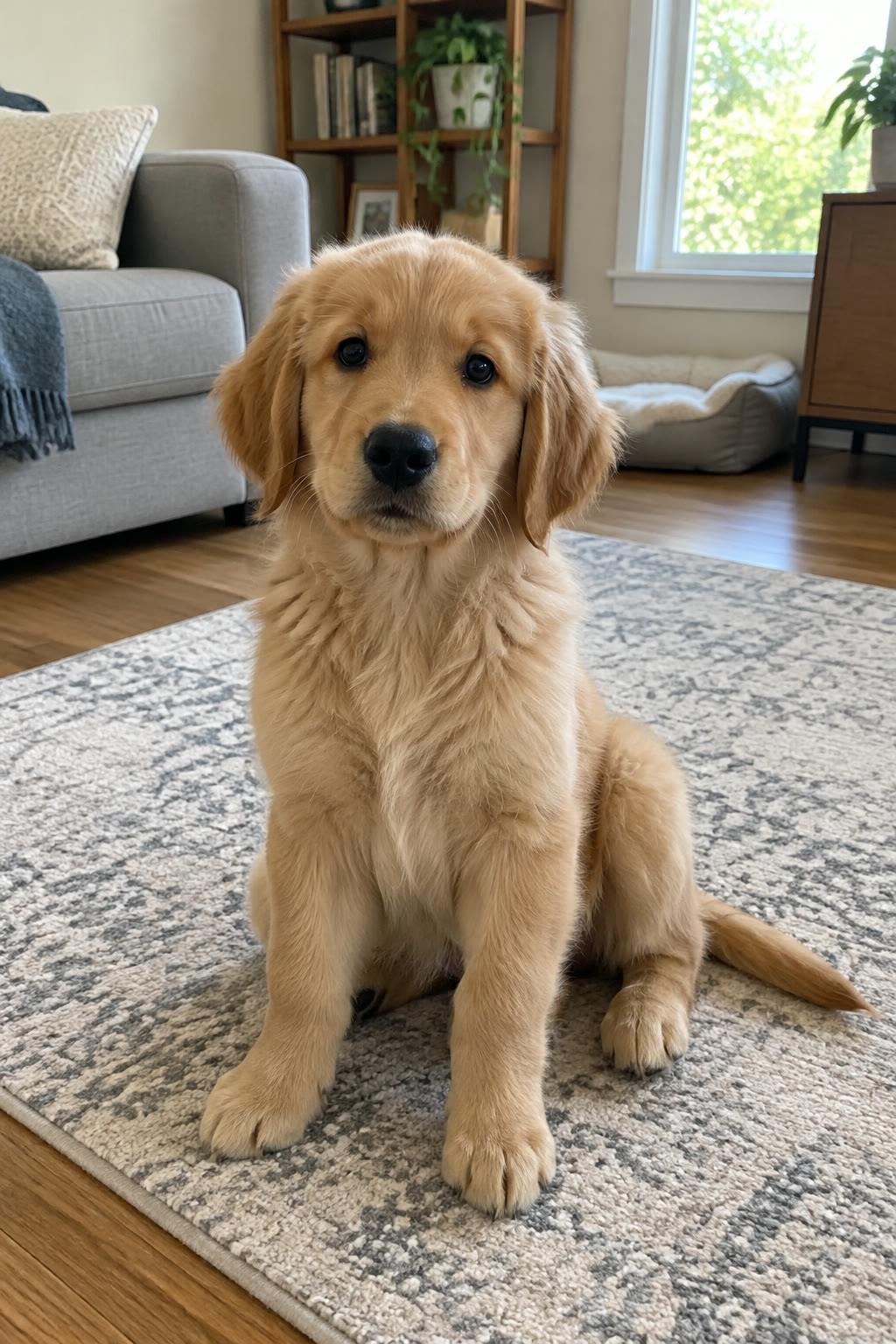
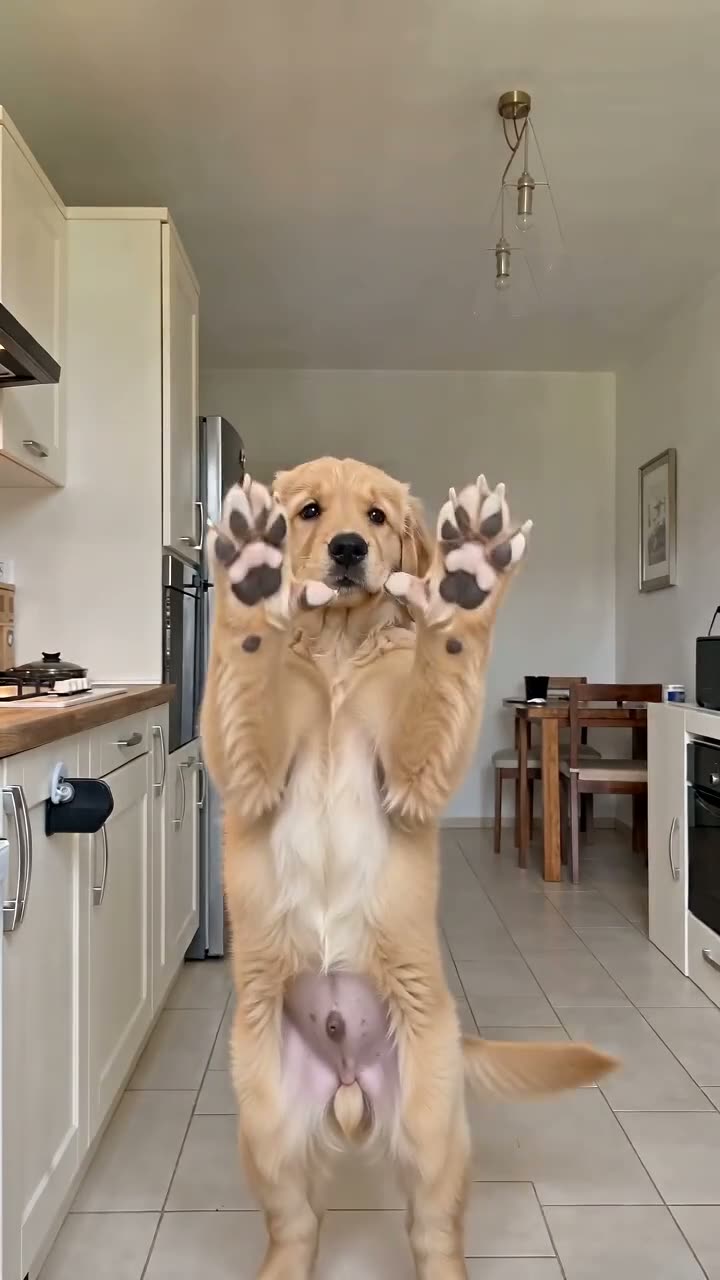
Golden retriever puppy
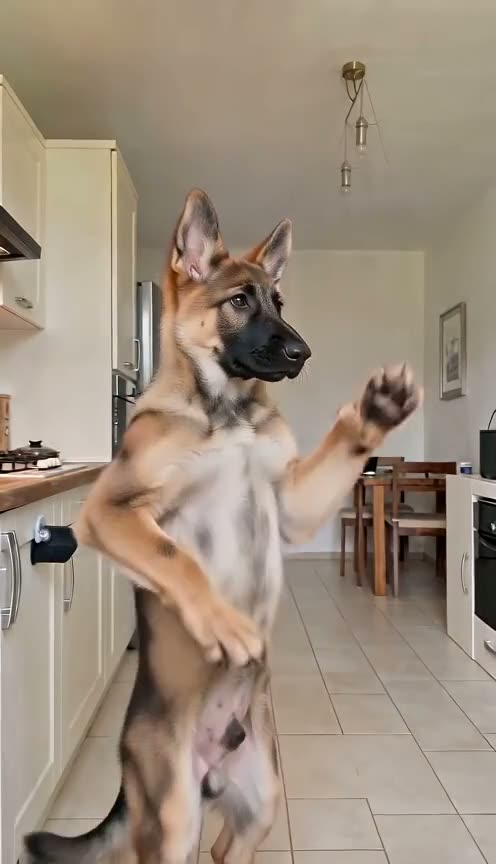
German shepherd puppy
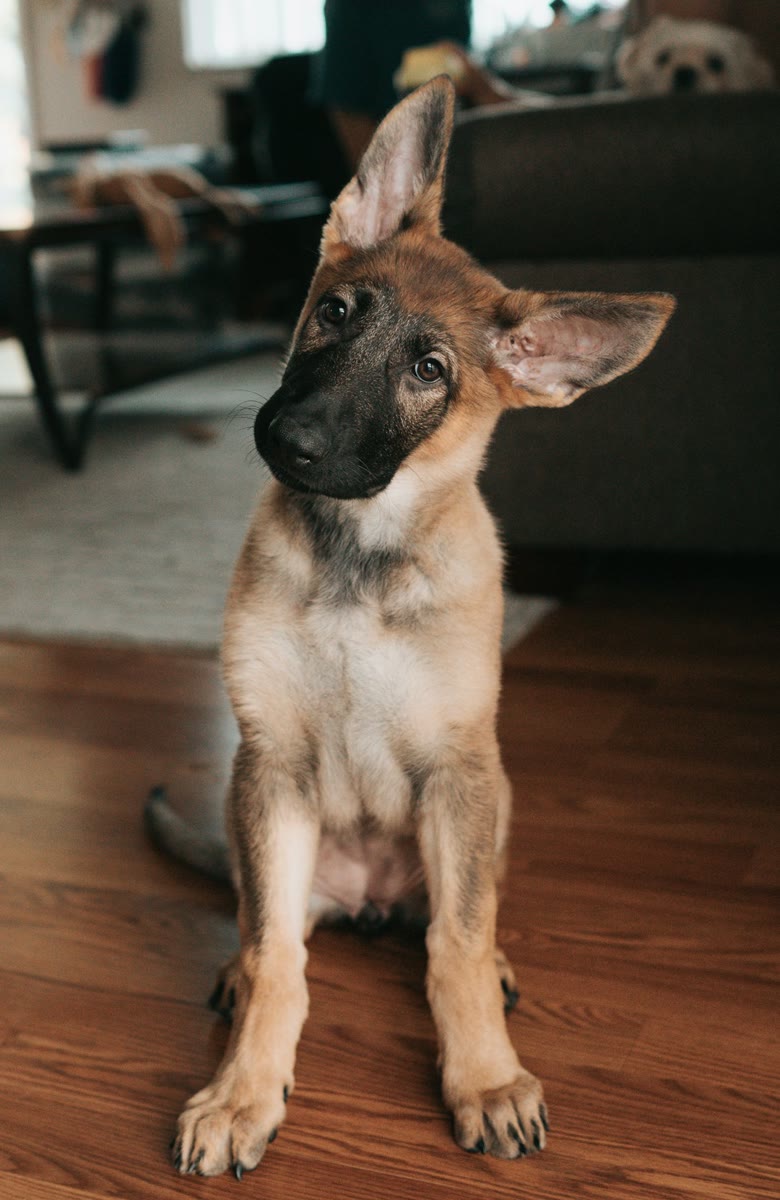
Black shepherd
Husky
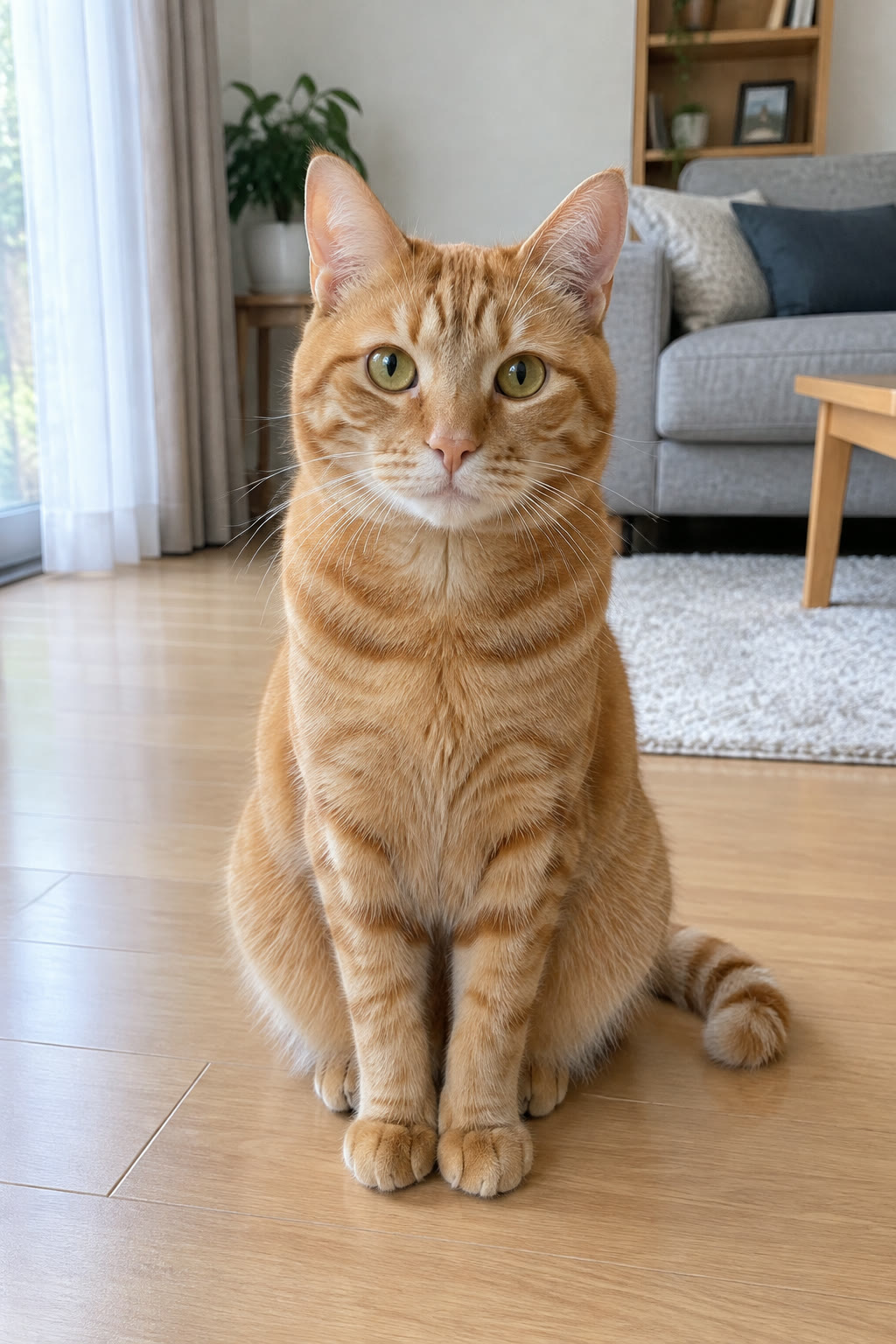
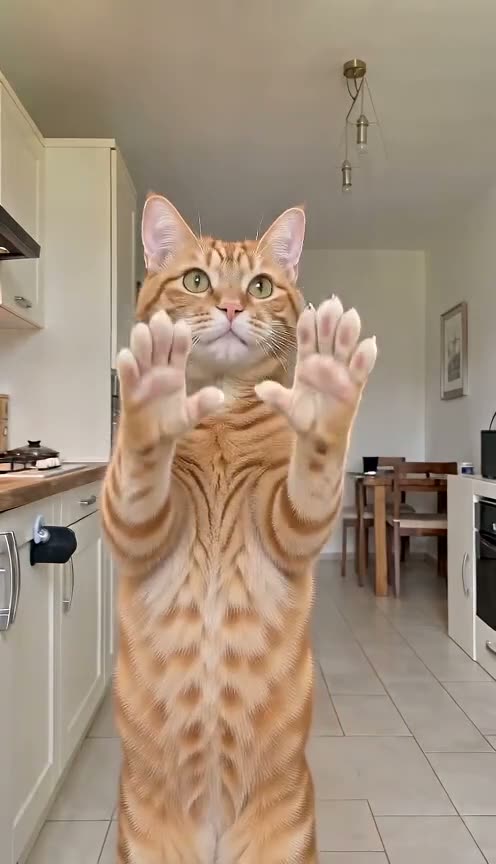
Orange tabby cat
What a Bad Times dog video is
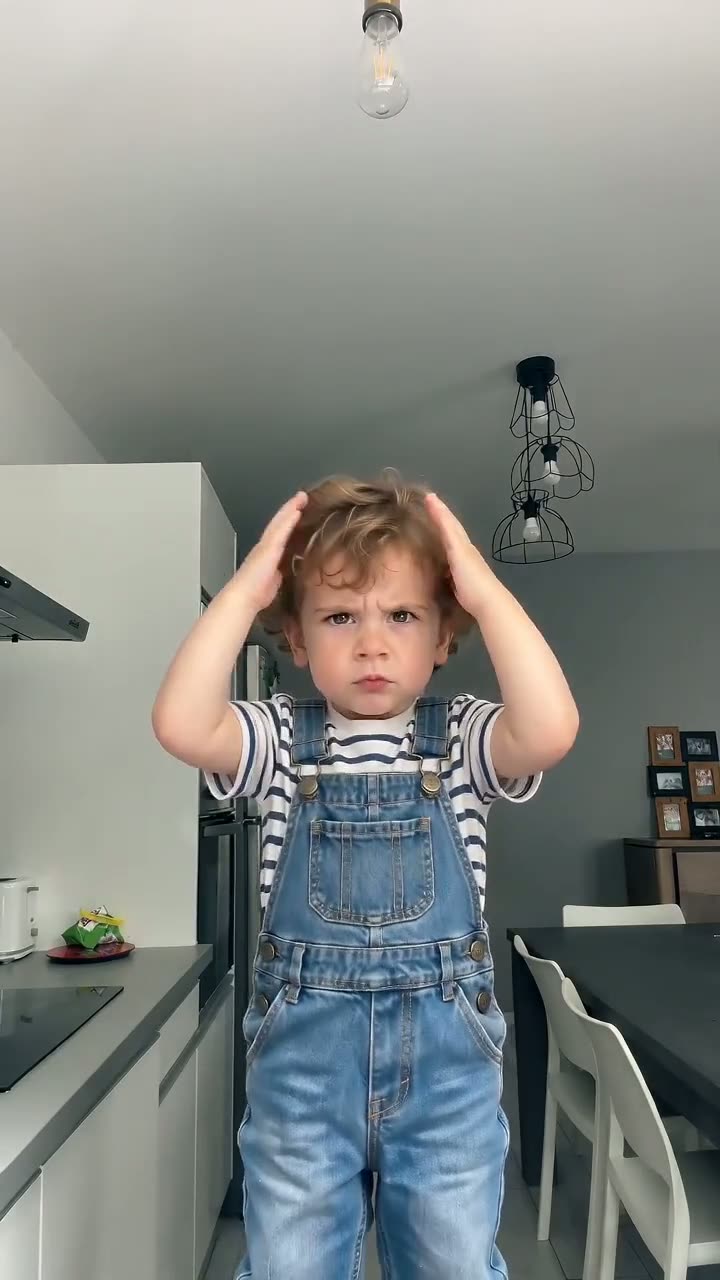
A Bad Times dog video is the trend's argument with the camera, performed by your dog. The routine comes from French creator Bouuh Yachaka, whose 9 September 2026 kitchen video passed 18 million views; from late September, Bad Times AI video versions with pets spread fast, a husky and a German shepherd among them. Here the Pet template is a clip of a dog performing that routine, and the AI replaces that dog with yours, move for move.
Your photo sets the look
Breed, coat colour, markings and face all come from the picture you upload, so the dog on screen should look like your dog and nobody else's.
The clip sets the scene
The room, the camera moves and the timing belong to the template clip, not to your photo.
Paws stay paws
Because a dog performs the template, the open-palm moments show paws instead of the human fingers that appear in many AI pet versions.
The song is built in
Every video plays "Bad Times" by Imael Angel, released on 30 March 2026, so there is no audio to line up afterwards.
The Bad Times dog routine, beat by beat
The timings below follow the 30-second cut, the length most viral versions use. Cat owners can find photo advice for cats on the Bad Times cat page.
0 to 10 seconds: paws on the head, then "hold on"
Up on its hind legs, the dog grabs its head, shows its open paws at about 1.5 seconds, sets one paw on its hip, then pushes both front paws at the camera. Check this beat first: it is where AI pets tend to sprout fingers.
11 to 19 seconds: the lunge
Your dog charges at the lens with a jabbing paw and presses a paw flat against it around 14 to 15 seconds. The 15-second clip runs through the turn and this first lunge, then stops.
19 to 30 seconds: round two
The dog backs off, charges again, throws its front legs wide at 25 to 27 seconds and ends on a face close-up at the lens at 29 seconds. Only the 30-second video, made at Ultra quality, reaches this ending.
How to make a Bad Times dog video
Four steps in any phone or desktop browser, with no app to install. To cast a rabbit, hamster or another animal instead, read the Bad Times pet page first.
Photo tips
Best photo for a Bad Times dog video
One dog, whole body, soft light.
Works best
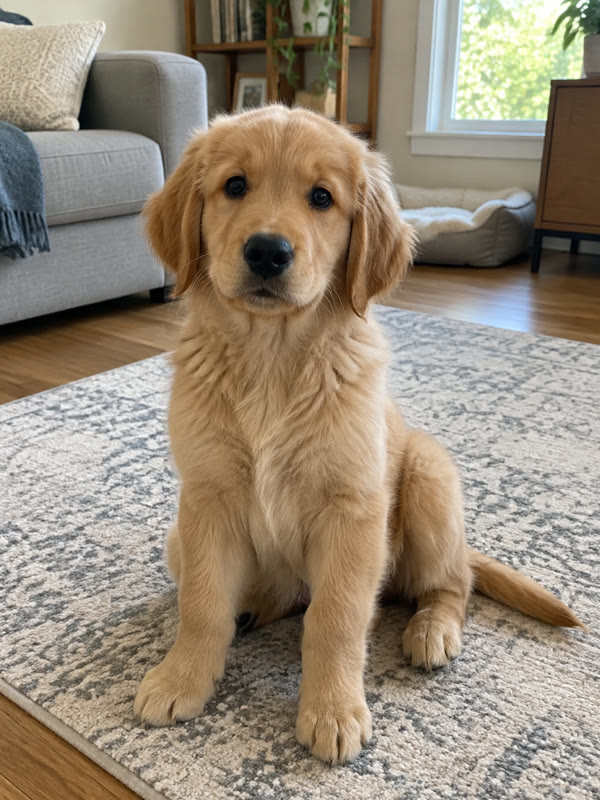
Whole dog, facing you
Paws, tail and ears in frame give the routine a full body to stand up.
Avoid
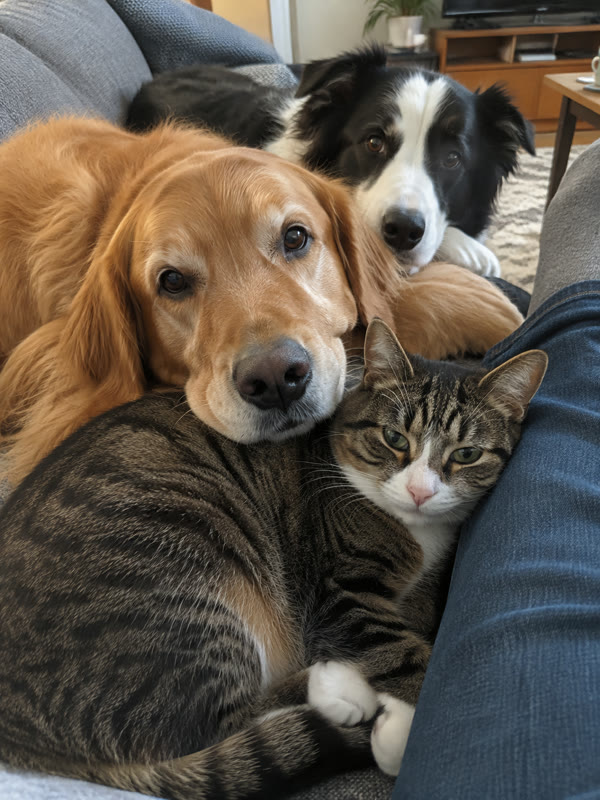
Several animals
Two dogs in one shot and the AI picks the wrong one.
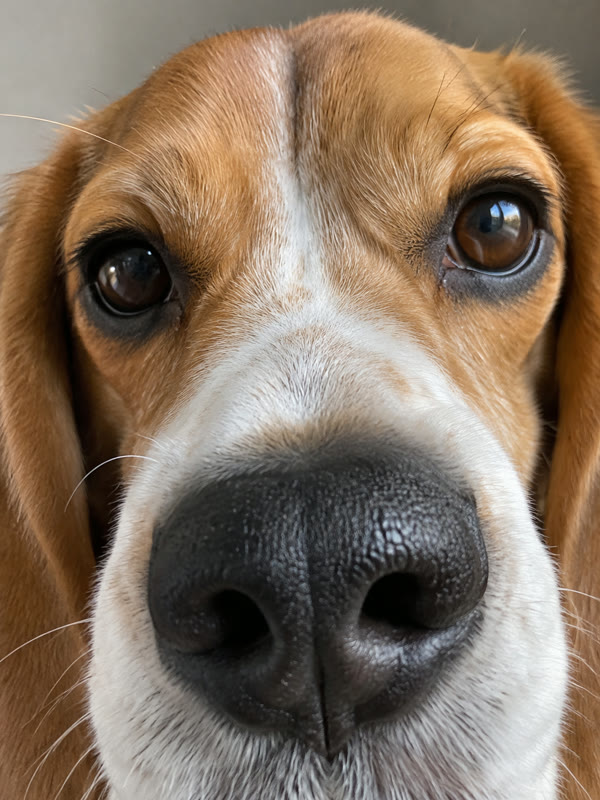
Face only
A nose close-up has no legs for the hold-on pose.

Hidden under things
A blanket over the body leaves the paws to guesswork.
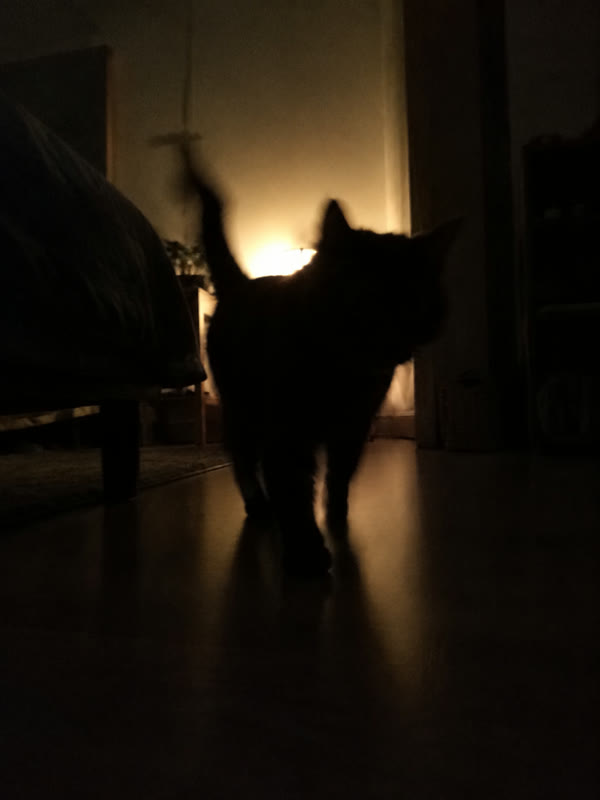
Dark or backlit
A silhouette loses the coat colour and markings.
Husky, German shepherd or mixed breed: choosing the photo
In a Bad Times dog clip, viewers recognise your dog only from the photo you upload, so that picture matters more than any other choice. For the story of the song and the creator behind the routine, see the Bad Times trend page.
Huskies and German shepherds
Both breeds starred in the AI versions that went viral in late September. Masks, saddle markings and pointed ears are copied from your photo, so keep the face and markings sharp.
Mixed breeds
A mixed-breed dog is as good a star as a pedigree: the AI copies the coat and face it sees, not a breed standard.
Light and focus
Daylight or a bright room, no heavy shadow across the face and no motion blur from a dog mid-zoomie.
Bad Times dog FAQ
How do I make the Bad Times dog trend with my dog?
Open the generator on this page, pick the Pet template and upload one clear full-body photo of your dog. Choose 5, 15 or 30 seconds and a quality level, then press Generate. A few minutes later you download a vertical MP4 in which your dog performs the routine to Imael Angel's song.
Why do AI dogs in this trend grow human fingers?
Many AI versions start from a human performance, so when the performer shows open palms, the model draws hands on the pet. Our Pet template is driven by a dog performing the routine, which kept paws as paws in our tests. Results can still vary from photo to photo, so watch the open-paw moments before you post.
Will my living room be in the video?
No. The room, camera moves and timing come from the template clip; your photo only gives the look of your dog, such as breed, fur, markings and face. That is also why the background of your photo does not matter, as long as your dog is clearly visible and well lit.
Which length should I pick for a Bad Times dog video?
Thirty seconds is the length most viral versions use: it covers the full first half of the routine, through the second charge and the close-up at the lens, and it needs Ultra quality. Fifteen seconds gets you through the turn and the first lunge. Five seconds is the opening, the head grab and the first "hold on".
What caption should I post with the clip?
Name the trend and the song so people browsing it can find your post, and tag your dog's account if it has one. Mark the video as AI-generated where TikTok, Instagram or YouTube ask. For ideas on what makes a version funny and who else to cast, see the Bad Times meme page.
How long does a render take, and what if it fails?
A 5-second clip usually renders in about 2 to 4 minutes; 15- and 30-second videos take longer. If a render fails or gets filtered, it is never charged: the credits go back to your balance and you can try another photo. For what each video costs, see Bad Times AI Video pricing.
Is this an official Bad Times dog generator?
No. Bad Times AI Video is an independent fan-made tool, not affiliated with Imael Angel, Bouuh Yachaka or TikTok. It recreates the routine that spread on TikTok in September 2026 with the dog from your photo, and the song plays in every finished video.
Ready for your Bad Times dog?
Find the full-body photo where your dog looks most like itself, pick the Pet template and let it argue with the camera.